Cargando...
Intermedio15 min
Crea una cuenta atrás.
Las cuentas atrás se usan en todas partes en televisión — antes de que empiece un programa, para cronometrar secciones, en subastas y en eventos. Este grafismo es especial porque cuenta el tiempo por sí solo con setInterval — una vez arranca, no necesita ninguna llamada de actualización externa.
Cuenta atrás — plantilla OGraf
1920 x 1080
¿Qué cambia respecto a otros grafismos?
Cuenta por sí solo
Usa setInterval internamente. Una vez ha entrado, descuenta el tiempo por su cuenta. El renderizador no necesita hacer ninguna llamada a updateAction.
Estado de urgencia
Cuando quedan 10 segundos o menos, las cifras se vuelven rojas y laten, señalando urgencia al espectador sin que intervenga el operador.
Cierre limpio
El intervalo debe limpiarse tanto en stopAction() como en dispose(). Olvidar cualquiera de los dos deja un temporizador fantasma funcionando en segundo plano.
El motor de la cuenta
_startTicking limpia cualquier intervalo anterior y arranca uno nuevo de 1 segundo. En cada tic decrementa _remaining, vuelve a pintar el reloj y activa o desactiva la clase urgent a los 10 segundos. Al llegar a cero se detiene solo y deja 00:00 en pantalla. _paintTime solo toca el span de minutos o de segundos cuyo texto ha cambiado de verdad, y _swap reinicia la animación tick de ese span con un reflow forzado.
graphic.mjs (cuenta)JavaScript
_startTicking() {
  this._stopTicking();
  this._interval = setInterval(() => {
    if (this._remaining <= 0) {
      this._stopTicking();
      return;
    }
    this._remaining--;
    this._paintTime(this._remaining, { animate: true });
    if (this._remaining <= 10) this._root.classList.add('urgent');
    else this._root.classList.remove('urgent');
  }, 1000);
}

_stopTicking() {
  if (this._interval) {
    clearInterval(this._interval);
    this._interval = null;
  }
}

_paintTime(totalSeconds, { animate } = {}) {
  const mins = String(Math.floor(totalSeconds / 60)).padStart(2, '0');
  const secs = String(totalSeconds % 60).padStart(2, '0');
  if (this._mins.textContent !== mins) this._swap(this._mins, mins, animate);
  if (this._secs.textContent !== secs) this._swap(this._secs, secs, animate);
}

_swap(el, next, animate) {
  if (!animate) {
    el.textContent = next;
    return;
  }
  el.classList.remove('tick');
  void el.offsetWidth;
  el.textContent = next;
  el.classList.add('tick');
}
Arrancar después de la entrada
load pinta el tiempo inicial a partir del campo seconds; el reloj solo empieza a moverse con el play. playAction sigue el modelo de pasos de la especificación (goto, o si no el paso actual más delta). Con stepCount: 1, un segundo play va más allá del último paso, así que detiene el grafismo y devuelve currentStep: undefined. El intervalo solo arranca tras la entrada de 800 ms, y solo si this._rev no ha avanzado: a un stop enviado durante la entrada no puede seguirle un reloj que empieza a contar de todos modos. updateAction acepta datos parciales; si el reloj estaba en marcha, vuelve a empezar desde el nuevo valor.
graphic.mjs (playAction, updateAction)JavaScript
// Each action takes the next revision number. Anything that finishes after a
// newer action has started checks it and backs off, so play → stop → play
// sent without waiting ends on air instead of hidden by the stale stop.
async playAction({ goto, delta, skipAnimation } = {}) {
  this._initDom();
  const target = resolveTargetStep(this._step, { goto, delta });
  if (target === undefined) {
    await this.stopAction({ skipAnimation });
    return { statusCode: 200, currentStep: undefined };
  }
  const rev = ++this._rev;
  this._step = target;
  this._root.classList.remove('out');
  if (skipAnimation) {
    this._root.classList.add('instant', 'visible');
    this._startTicking();
    return { statusCode: 200, currentStep: this._step };
  }
  this._root.classList.remove('instant');
  // Force a reflow so the browser registers the starting state.
  void this._root.offsetWidth;
  this._root.classList.add('visible');
  await sleep(800);
  if (rev === this._rev) this._startTicking();
  return { statusCode: 200, currentStep: this._step };
}

async updateAction({ data } = {}) {
  this._initDom();
  const wasTicking = this._interval !== null;
  this._applyData(data);
  if (data?.seconds !== undefined) this._root.classList.remove('urgent');
  if (wasTicking) this._startTicking();
  return { statusCode: 200 };
}
Limpieza
stopAction limpia el intervalo antes de su salida de 500 ms, y dispose lo vuelve a limpiar e incrementa la revisión para que nada pendiente toque el elemento ya vaciado.
graphic.mjs (stopAction, dispose)JavaScript
async stopAction({ skipAnimation } = {}) {
  this._initDom();
  const rev = ++this._rev;
  this._step = undefined;
  this._stopTicking();
  if (skipAnimation) {
    this._root.classList.add('instant');
    this._root.classList.remove('visible', 'out', 'urgent');
    return { statusCode: 200 };
  }
  this._root.classList.remove('instant');
  this._root.classList.add('out');
  await sleep(500);
  if (rev === this._rev) this._root.classList.remove('visible', 'out', 'urgent');
  return { statusCode: 200 };
}

async dispose() {
  this._rev = (this._rev ?? 0) + 1;
  this._stopTicking();
  this.innerHTML = '';
  this._initialized = false;
  return { statusCode: 200 };
}
Consejo de diseño
Limpia siempre los intervalos en stopAction() y dispose(). En un entorno de broadcast, los grafismos se cargan y descargan constantemente. Un intervalo olvidado es un temporizador funcionando en segundo plano, que consume CPU y puede provocar comportamientos inesperados cuando se vuelve a cargar el grafismo.
El CSS: animación del tic y urgencia
Cada par de cifras que cambia sube deslizándose hasta su sitio en 0.36 s con la clase tick. Cuando entra la urgencia, el tiempo se vuelve rojo y late suavemente de tamaño una vez por segundo.
style.css (partes clave)CSS
/* Pulse animation for last 10 seconds */
.countdown.urgent .countdown-time {
  animation: urgentPulse 1s ease infinite;
  color: #dc2626;
}

@keyframes urgentPulse {
  0% { transform: scale(1); }
  50% { transform: scale(1.04); }
  100% { transform: scale(1); }
}

/* Digit swap: the new digit rises into place from below as it fades in */
.countdown-mins.tick,
.countdown-secs.tick {
  animation: digitSwap 0.36s cubic-bezier(0.16, 1, 0.3, 1);
}

@keyframes digitSwap {
  0%   { transform: translateY(0.55em); opacity: 0; }
  40%  { opacity: 1; }
  100% { transform: translateY(0); opacity: 1; }
}
El manifiesto
countdown.ograf.jsonJSON
{
  "$schema": "https://ograf.ebu.io/v1/specification/json-schemas/graphics/schema.json",
  "id": "dev.ograf.tutorial.countdown",
  "version": "1.0.0",
  "name": "Countdown Timer",
  "description": "Self-ticking countdown clock that goes red in the last 10 seconds. Tutorial from ograf.dev.",
  "author": {
    "name": "ograf.dev",
    "url": "https://ograf.dev"
  },
  "main": "graphic.mjs",
  "stepCount": 1,
  "supportsRealTime": true,
  "supportsNonRealTime": false,
  "thumbnails": [
    {
      "file": "thumbnail.webp",
      "resolution": {
        "width": 1920,
        "height": 1080
      }
    }
  ],
  "schema": {
    "type": "object",
    "properties": {
      "label": {
        "type": "string",
        "title": "Label",
        "gddType": "single-line",
        "default": "STARTING IN"
      },
      "seconds": {
        "type": "integer",
        "title": "Seconds",
        "default": 120,
        "minimum": 1
      }
    }
  }
}
Descarga el paquete completo: Cuenta atrás
Un paquete OGraf Graphics Definition v1 real. Un renderizador compatible lee el manifiesto y gestiona el ciclo de vida. Con licencia MIT; úsalo en cualquier sistema compatible con OGraf.
countdown.ograf.json
Manifiesto — lo que lee el renderizador (id, schema, flags del ciclo de vida)
graphic.mjs
Web Component con load / play / update / stop / customAction / dispose
style.css
Hoja de estilos, cargada por graphic.mjs mediante una etiqueta <link>
thumbnail.webp
Vista previa de 1920×1080, declarada en el manifiesto
README.md
Notas de uso
LICENSE
MIT
Descargar countdown.zipMIT · fuentes incluidas · suéltalo en /check para validarlo
Despliégalo en un renderizador OGraf compatible
Cuenta atrás terminada.
Cuenta propia con setInterval, un estado de urgencia y una limpieza correcta en stopAction() y dispose(): un grafismo de temporizador autónomo.
Más tutoriales

Principiante15 min
Rótulo inferior
Nombre y cargo sobreimpresos

Principiante10 min
Mosca / EN DIRECTO
Indicador de esquina con pulso

Intermedio20 min
Ticker de noticias
Titulares en desplazamiento

Intermedio15 min
Cita a pantalla completa
Tipografía cinematográfica a pantalla completa
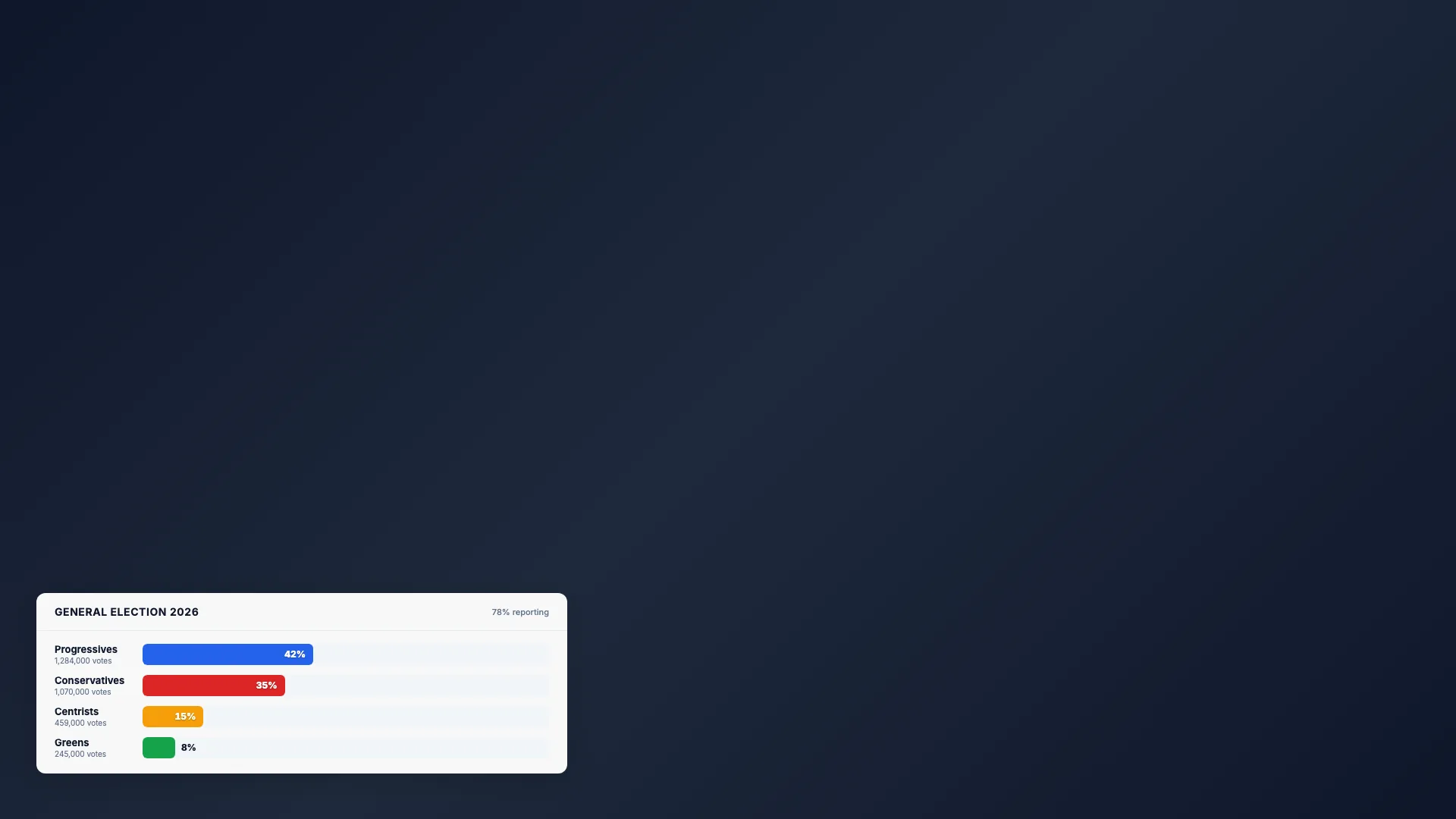
Intermedio20 min
Barras electorales
Gráfico de porcentajes animado
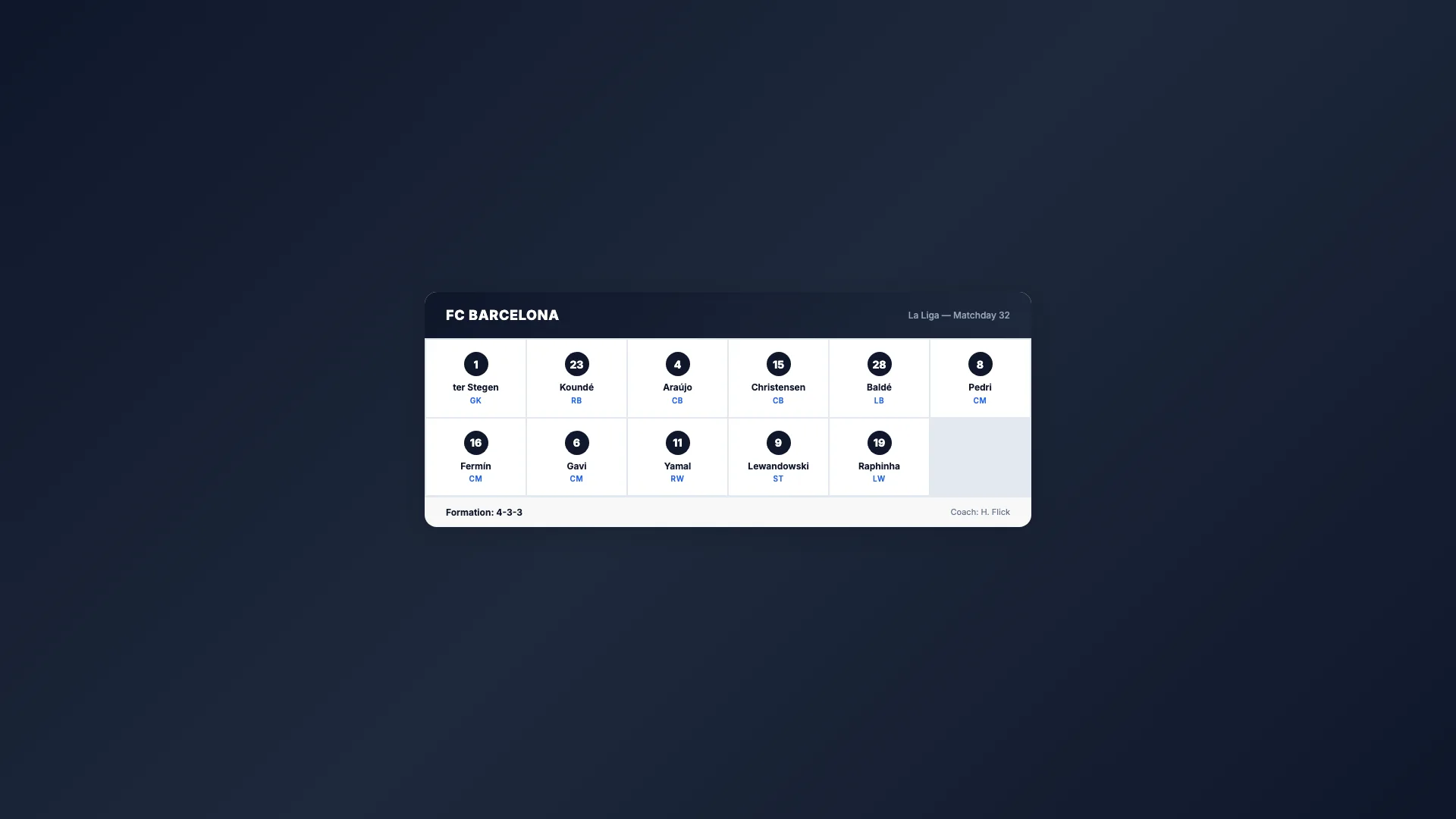
Intermedio20 min
Alineación deportiva
Cuadrícula con la plantilla del equipo

Avanzado25 min
Marcador
Marcador de partido en directo

Intermedio15 min
Última hora
Alerta urgente a pantalla completa

Intermedio20 min
Previsión meteorológica
Condiciones actuales y previsión a 3 días

Principiante10 min
Tarjeta de redes sociales
Publicación sobreimpresa con avatar