Loading...
Beginner15 min
Build your first OGraf template.
In this tutorial you'll build a production-quality lower third graphic from scratch — the same kind you see on CBS, BBC, or any news broadcast. It slides in, displays a name and title, updates live, and slides out.
Lower Third — OGraf Template
1920 x 1080
Before you start
- Basic knowledge of HTML and CSS (JavaScript helps but isn't required to follow along)
- A text editor — VS Code, Sublime Text, or anything you're comfortable with
- A web browser (Chrome, Firefox, Edge, Safari)
1
Create your project folder
Create a new folder with these four files. That's your entire OGraf package — no build tools, no npm, no framework.
lower-third/
lower-third.ograf.jsonmanifest
graphic.mjslogic
style.cssdesign
thumbnail.webppreview (optional)
That's it. Four files. No node_modules, no package.json, no build step. OGraf packages are plain web files.
2
Write the manifest — your graphic's ID card
The manifest tells every OGraf system who your graphic is and what it needs. When an operator loads your graphic in SPX or any controller, this file is the first thing it reads. It auto-generates the data form you saw in the demo above.
lower-third.ograf.jsonJSON
{
  "$schema": "https://ograf.ebu.io/v1/specification/json-schemas/graphics/schema.json",
  "id": "dev.ograf.tutorial.lower-third",
  "version": "1.0.0",
  "name": "CBS-Style Lower Third",
  "description": "Clean white and blue lower third with slide-in animation. Built as part of the ograf.dev tutorial.",
  "author": {
    "name": "ograf.dev",
    "url": "https://ograf.dev"
  },
  "main": "graphic.mjs",
  "stepCount": 1,
  "supportsRealTime": true,
  "supportsNonRealTime": false,
  "thumbnails": [
    {
      "file": "thumbnail.webp",
      "resolution": {
        "width": 1920,
        "height": 1080
      }
    }
  ],
  "schema": {
    "type": "object",
    "properties": {
      "name": {
        "type": "string",
        "title": "Name",
        "gddType": "single-line",
        "default": "Jane Smith"
      },
      "title": {
        "type": "string",
        "title": "Title",
        "gddType": "single-line",
        "default": "Senior Graphics Engineer"
      }
    }
  }
}
Identity
id and name — how controllers identify and display your graphic.
Behavior
stepCount: 1 — one step: it appears, holds, then disappears when stopped.
Entry Point
main — points to your JavaScript file with the Web Component class.
Data Schema
schema — defines the form fields. Controllers auto-generate the input UI from this.
3
Assemble the package folder
An OGraf package is a small folder with a manifest, a JavaScript module, a stylesheet, and any static assets the graphic needs. There is no HTML entry point — the renderer mounts the default-exported class under its own tag, so the module just has to export a class that extends HTMLElement.
lower-third/Text
lower-third/
├── lower-third.ograf.json
├── graphic.mjs
├── style.css
└── fonts/
    ├── Inter-Medium.woff2
    ├── Inter-Bold.woff2
    └── LICENSE.txt
The fonts/ folder ships the Inter weights this graphic uses along with their license (SIL OFL) — playout boxes are often offline, so bundling fonts avoids CDN calls that would silently fail.
4
Design the look — CSS
This is where the visual design lives. We're building a CBS-inspired clean look: white background, blue accent bar on the left, uppercase blue title. The slide-in uses CSS transitions with cubic-bezier easing for that broadcast-quality feel.
style.cssCSS
/* style.css -- loaded via <link> injected by graphic.mjs.
   URLs below resolve relative to this file, so the fonts in ./fonts/ just work. */

@font-face {
  font-family: 'Inter';
  font-style: normal;
  font-weight: 500;
  font-display: swap;
  src: url('./fonts/Inter-Medium.woff2') format('woff2');
}

@font-face {
  font-family: 'Inter';
  font-style: normal;
  font-weight: 700;
  font-display: swap;
  src: url('./fonts/Inter-Bold.woff2') format('woff2');
}

.l3rd, .l3rd *, .l3rd *::before, .l3rd *::after {
  margin: 0;
  padding: 0;
  box-sizing: border-box;
}

.l3rd {
  position: absolute;               /* NOT fixed -- anchor to the renderer's frame */
  bottom: 64px;
  left: 48px;
  font-family: 'Inter', system-ui, sans-serif;
  display: flex;
  transform: translateX(-120%);
  opacity: 0;
  filter: blur(4px);
}

.l3rd.visible {
  transform: translateX(0);
  opacity: 1;
  filter: blur(0);
  transition: transform 0.7s cubic-bezier(0.16, 1, 0.3, 1),
              opacity 0.5s ease, filter 0.5s ease;
}

.l3rd.out {
  transform: translateX(-120%);
  opacity: 0;
  filter: blur(4px);
  transition: transform 0.5s cubic-bezier(0.76, 0, 0.24, 1),
              opacity 0.4s ease 0.1s, filter 0.4s ease 0.1s;
}

.l3rd-accent {
  width: 5px;
  background: linear-gradient(180deg, #2563eb, #1d4ed8);
  border-radius: 3px 0 0 3px;
}

.l3rd-content {
  background: rgba(255, 255, 255, 0.97);
  backdrop-filter: blur(20px);
  padding: 16px 32px 16px 20px;
  border-radius: 0 6px 6px 0;
  box-shadow: 0 4px 24px rgba(0, 0, 0, 0.12);
}

.l3rd-name {
  font-size: 22px;
  font-weight: 700;
  color: #0f172a;
}

.l3rd-title {
  font-size: 13px;
  font-weight: 500;
  color: #2563eb;
  text-transform: uppercase;
  letter-spacing: 0.02em;
  margin-top: 3px;
}
Design tip
The cubic-bezier(0.16, 1, 0.3, 1) easing is key — it starts fast and decelerates smoothly, giving that snappy broadcast motion feel. The out-animation uses cubic-bezier(0.76, 0, 0.24, 1) for a quick, punchy exit.
5
Write the logic — the Web Component
This is the heart of your OGraf graphic. It's a standard Web Component that the renderer controls by calling six methods — five linear lifecycle steps plus customAction for graphic-specific extras. Each returns a Promise: the renderer waits for your animation to finish before doing anything else.
load
Get data
play
Animate in
update
Change data
stop
Animate out
dispose
Clean up
graphic.mjsJavaScript
// Resolve the stylesheet URL relative to this module so it loads no matter
// where the renderer serves the package from.
const STYLE_URL = new URL('./style.css', import.meta.url).href;

const TEMPLATE = `
  <link rel="stylesheet" href="${STYLE_URL}">
  <div class="l3rd">
    <div class="l3rd-accent"></div>
    <div class="l3rd-content">
      <div class="l3rd-name"></div>
      <div class="l3rd-title"></div>
    </div>
  </div>
`;

const sleep = (ms) => new Promise((resolve) => setTimeout(resolve, ms));

// The spec's step rule: goto wins; otherwise current step (-1 before the
// first play) + delta, which defaults to 1. At or past stepCount → the end.
function resolveTargetStep(currentStep, { goto, delta } = {}, stepCount = 1) {
  const target = Number.isInteger(goto) && goto >= 0
    ? goto
    : (currentStep ?? -1) + (Number.isInteger(delta) ? delta : 1);
  return target >= stepCount ? undefined : Math.max(target, 0);
}

export default class LowerThird extends HTMLElement {

  _initDom() {
    if (this._initialized) return;                 // idempotent
    this.innerHTML = TEMPLATE;
    this._root  = this.querySelector('.l3rd');
    this._name  = this.querySelector('.l3rd-name');
    this._title = this.querySelector('.l3rd-title');
    this._step = undefined;                        // "start": nothing on air yet
    this._rev = 0;                                 // bumped by every action
    this._initialized = true;
  }

  async load({ data } = {}) {
    this._initDom();                               // <-- first line of every public method
    if (data?.name !== undefined)  this._name.textContent  = data.name;
    if (data?.title !== undefined) this._title.textContent = data.title;
    return { statusCode: 200 };
  }

  async playAction({ goto, delta, skipAnimation } = {}) {
    this._initDom();
    const target = resolveTargetStep(this._step, { goto, delta });
    if (target === undefined) {                    // "next" on the last step = go off air
      await this.stopAction({ skipAnimation });
      return { statusCode: 200, currentStep: undefined };
    }
    ++this._rev;
    this._step = target;
    this._root.classList.remove('out');
    if (skipAnimation) {
      this._root.classList.add('visible');
      return { statusCode: 200, currentStep: this._step };
    }
    void this._root.offsetWidth;                   // force reflow before transition
    this._root.classList.add('visible');
    await sleep(700);
    return { statusCode: 200, currentStep: this._step };
  }

  async stopAction({ skipAnimation } = {}) {
    this._initDom();
    const rev = ++this._rev;
    this._step = undefined;
    if (skipAnimation) {
      this._root.classList.remove('visible', 'out');
      return { statusCode: 200 };
    }
    this._root.classList.add('out');
    await sleep(500);
    // A play that arrived while we were animating out wins.
    if (rev === this._rev) this._root.classList.remove('visible', 'out');
    return { statusCode: 200 };
  }

  async updateAction({ data } = {}) {
    this._initDom();
    // !== undefined, not a truthy check: an empty string clears the field.
    if (data?.name !== undefined)  this._name.textContent  = data.name;
    if (data?.title !== undefined) this._title.textContent = data.title;
    return { statusCode: 200 };
  }

  // Required on every graphic, even when the manifest declares no customActions.
  // The renderer calls customAction({ id, payload, skipAnimation }).
  async customAction({ id } = {}) {
    return { statusCode: 404, statusMessage: `Unknown custom action: ${id ?? ''}` };
  }

  async dispose() {
    this._rev++;                                   // cancels anything still pending
    this.innerHTML = '';
    this._initialized = false;                     // reset so a re-load re-inits
    return { statusCode: 200 };
  }
}

// Note the absence of customElements.define() -- the renderer picks the tag.
How it works
_initDom() — A private helper, idempotent. The first public method to run calls it to set innerHTML + grab element refs. This way the graphic works whether the renderer inserts the element before or after calling load().
load() — Receives the operator's data (name + title) and puts it in the DOM. No animation yet.
playAction() — Works out which step to go to from goto / delta, exactly as the spec defines it. A lower third has one step, so the first play lands on step 0: it adds the .visible class, waits 700ms for the slide-in, and reports currentStep: 0. A second play goes past the last step, so the graphic leaves the air and reports currentStep: undefined — that is what a controller's "next" button relies on.
updateAction() — Swaps the text content. The check is !== undefined rather than truthiness, so an operator who empties a field actually clears it. In production you'd add a smooth text-swap animation.
stopAction() — Adds the .out class for the exit animation and waits 500ms. Every action bumps _rev, and the stop only hides the graphic if nothing newer has started — otherwise an operator who hits play again mid-exit would end up with an empty screen.
customAction() — OGraf requires every graphic to expose this, even without any declared in the manifest. It receives { id, payload, skipAnimation }; with nothing declared, answering every id with a 4xx such as statusCode: 404 is the right default.
dispose() — Clears the DOM and resets _initialized so a re-load rebuilds cleanly. Called when the graphic is removed from the renderer entirely.
6
Test it
Your graphic is ready. Here's how to test it:
Option A: Use the live demo above
Scroll up — the interactive preview at the top of this page is running the exact same code. Click Play, change the text, click Update, click Stop.
Option B: Check your package
Zip your folder and drop it on /check. You'll get a structured report against 85 rules and the live EBU schema.
Open checkerOption C: Load it in an OGraf renderer
Deploy to a compliant renderer: ograf-server (self-hosted reference), SPX-GC (browser controller), or CasparCG (via the HTML producer). Links are on the download card below.
Download the full CBS-Style Lower Third package
A real OGraf Graphics Definition v1 package. A compliant renderer reads the manifest and drives the lifecycle. MIT-licensed; drop it into any OGraf-compatible system.
lower-third.ograf.json
Manifest — what a renderer reads (id, schema, lifecycle flags)
graphic.mjs
Web Component with load / play / update / stop / customAction / dispose
style.css
Stylesheet, loaded by graphic.mjs via a <link> tag
thumbnail.webp
1920×1080 preview, declared in the manifest
README.md
Usage notes
LICENSE
MIT
Download lower-third.zipMIT · fonts included · drop on /check to validate
You built an OGraf graphic.
This package works with any OGraf-compatible system — SPX, ograf-server, CasparCG (via HTML producer), and more. Same files, everywhere.
More tutorials

Beginner10 min
Bug / LIVE
Corner indicator with pulse

Intermediate20 min
News Ticker
Scrolling headline crawl

Intermediate15 min
Full Page Quote
Cinematic full-screen typography

Intermediate20 min
Election Bars
Animated percentage chart
Intermediate20 min
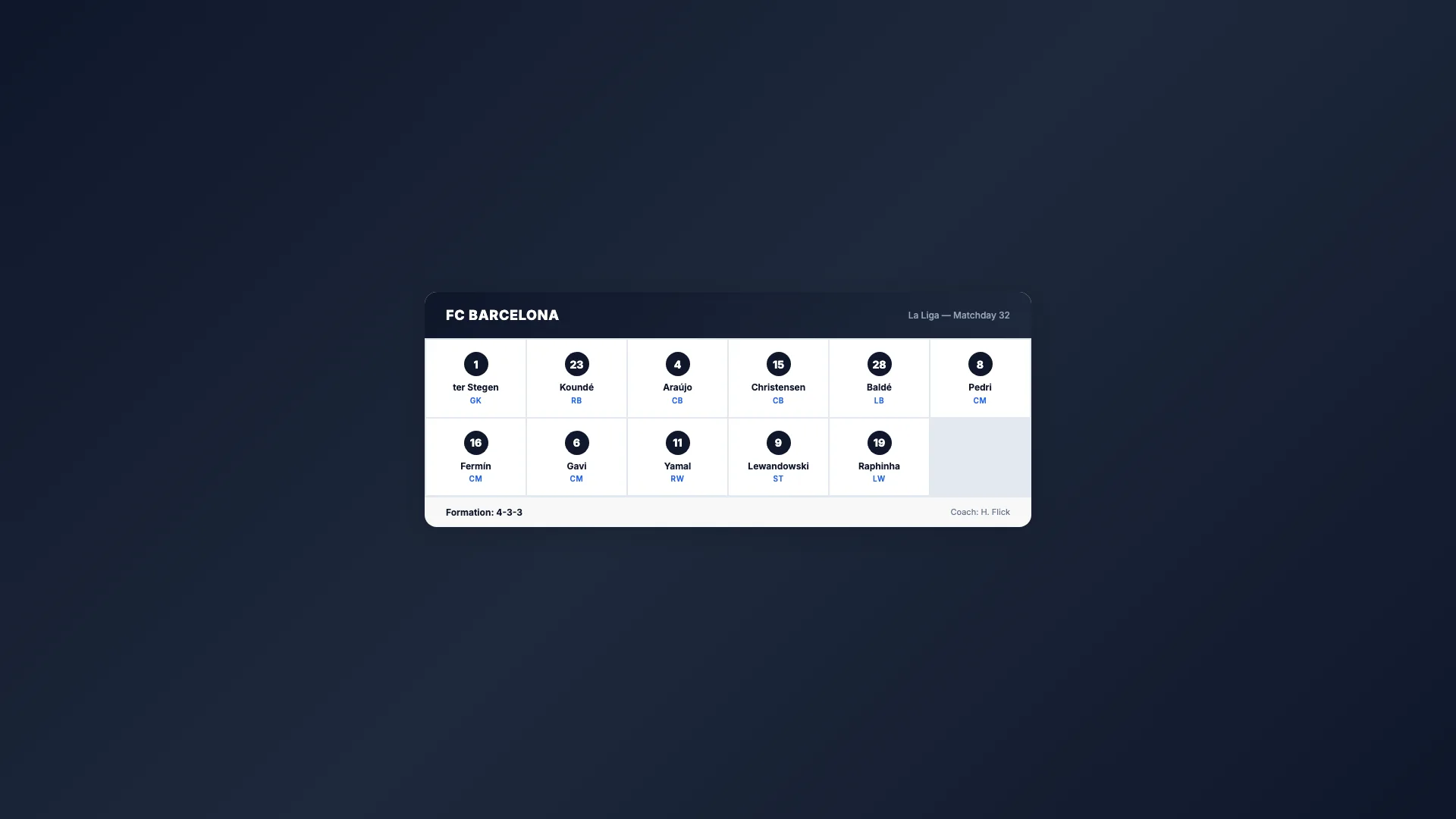
Sport Lineup
Team roster grid

Advanced25 min
Score Bug
Live match scoreboard
Intermediate15 min
Countdown Timer
Self-ticking clock

Intermediate15 min
Breaking News
Full-screen urgent alert

Intermediate20 min
Weather Forecast
Conditions & 3-day outlook

Beginner10 min
Social Media Card
Post overlay with avatar