Loading...
Intermediate20 min
Build a news ticker.
The scrolling crawl at the bottom of the screen — CNN, BBC News, Bloomberg. Headlines flow continuously from right to left. This tutorial covers infinite CSS animations, dynamic data arrays, and seamless looping.
News Ticker — OGraf Template
1920 x 1080
1
2
3
4
5
What makes a ticker different?
Infinite scroll
Uses CSS @keyframes with infinite repeat on .ticker-content (20s per cycle). Content is duplicated for seamless looping.
Array data
Instead of single fields, the schema accepts an array of headlines. Each item scrolls past in sequence.
Full-width bar
Spans the entire bottom edge in a 48px bar. The blue badge (the badge field) sits on the left, the scrolling text flows to its right.
The seamless loop trick
The ticker duplicates all the headlines so the scroll appears infinite. When the first set scrolls fully off-screen, the second set has already taken its place — the animation resets invisibly. Each headline goes through escapeHtml() before it reaches innerHTML, so a headline containing < or & shows as text. _applyData() only re-renders when items is an array, and an optional loop: false (used by the demo's play-mode switch; not in the manifest schema) makes the crawl run once and hold instead of repeating.
graphic.mjs (rendering the data)JavaScript
_renderItems(items) {
// Render the headlines twice, each followed by its separator, so the two
// halves are identical. Moving -50% then lands the second copy exactly
// where the first started, and the loop restarts without a jump.
const oneSet = items.map((item) =>
`<span class="ticker-item"><span class="ticker-dot"></span>${escapeHtml(item)}</span>` +
'<span class="ticker-separator"></span>'
).join('');
this._content.innerHTML = oneSet + oneSet;
}
_applyPlayMode(loop) {
if (!this._content) return;
this._content.style.animationIterationCount = loop === false ? '1' : 'infinite';
this._content.style.animationFillMode = loop === false ? 'forwards' : '';
}
_applyData(data) {
if (!data) return;
if (data.badge !== undefined) this._badge.textContent = data.badge;
if (Array.isArray(data.items)) this._renderItems(data.items);
if ('loop' in data) this._applyPlayMode(data.loop);
}
function escapeHtml(s) {
return String(s)
.replace(/&/g, '&')
.replace(/</g, '<')
.replace(/>/g, '>')
.replace(/"/g, '"')
.replace(/'/g, ''');
}The CSS scroll animation
style.css (key parts)CSS
.ticker-track {
  flex: 1;
  overflow: hidden;
  display: flex;
  align-items: center;
  position: relative;
}

.ticker-content {
  display: flex;
  align-items: center;
  white-space: nowrap;
  animation: scroll 20s linear infinite;
}

@keyframes scroll {
  0%   { transform: translateX(0); }
  100% { transform: translateX(-50%); }
}
Why -50%?
_renderItems writes the headlines twice, each one followed by its separator, and every child of .ticker-content carries the same 40px trailing margin. The two halves are therefore exactly the same width, so translating by -50% moves the copy precisely onto the spot where the original started — and when the animation restarts, nothing jumps. That is also why the spacing is a margin rather than gap or a padding-left: either would make the halves unequal. .ticker-track clips everything with overflow: hidden.
An infinite animation, a prompt promise
The crawl never ends, but playAction() resolves after the bar's 500ms slide-up. The spec says long or infinite animations should not delay the promise — the renderer needs to know the graphic is on air, not when the crawl finishes. The step model is the spec's: the first play lands on step 0, a second play takes the one-step ticker off air and returns currentStep: undefined. stopAction() slides the bar down over 400ms and checks this._rev before hiding it, so a play sent during that stop wins.
graphic.mjs (play and stop)JavaScript
/**
 * The step a playAction() lands on, exactly as the spec defines it: `goto`
 * wins; otherwise the current step (-1 before the first play) plus `delta`,
 * which defaults to 1. A target at or past stepCount means "go to the end",
 * returned as undefined — so a second play on a one-step graphic takes it off
 * air instead of replaying it.
 */
function resolveTargetStep(currentStep, { goto, delta } = {}, stepCount = 1) {
  const target = Number.isInteger(goto) && goto >= 0
    ? goto
    : (currentStep ?? -1) + (Number.isInteger(delta) ? delta : 1);
  return target >= stepCount ? undefined : Math.max(target, 0);
}

// Each action takes the next revision number. Anything that finishes after a
// newer action has started checks it and backs off, so play → stop → play
// sent without waiting ends on air instead of hidden by the stale stop.
async playAction({ goto, delta, skipAnimation } = {}) {
  this._initDom();
  const target = resolveTargetStep(this._step, { goto, delta });
  if (target === undefined) {
    await this.stopAction({ skipAnimation });
    return { statusCode: 200, currentStep: undefined };
  }
  ++this._rev;
  this._step = target;
  this._root.classList.remove('out');
  if (skipAnimation) {
    this._root.classList.add('instant', 'visible');
    return { statusCode: 200, currentStep: this._step };
  }
  this._root.classList.remove('instant');
  // Force a reflow so the browser registers the starting state.
  void this._root.offsetWidth;
  this._root.classList.add('visible');
  await sleep(500);
  return { statusCode: 200, currentStep: this._step };
}

async stopAction({ skipAnimation } = {}) {
  this._initDom();
  const rev = ++this._rev;
  this._step = undefined;
  if (skipAnimation) {
    this._root.classList.add('instant');
    this._root.classList.remove('visible', 'out');
    return { statusCode: 200 };
  }
  this._root.classList.remove('instant');
  this._root.classList.add('out');
  await sleep(400);
  if (rev === this._rev) this._root.classList.remove('visible', 'out');
  return { statusCode: 200 };
}
The manifest
Notice the schema uses an array of strings for headlines, not a single text field. Controllers render this as a list where the operator can add, remove, and reorder items.
ticker.ograf.jsonJSON
{
  "$schema": "https://ograf.ebu.io/v1/specification/json-schemas/graphics/schema.json",
  "id": "dev.ograf.tutorial.ticker",
  "version": "1.0.0",
  "name": "News Ticker",
  "description": "Scrolling headline crawl with an infinite CSS loop. Tutorial from ograf.dev.",
  "author": {
    "name": "ograf.dev",
    "url": "https://ograf.dev"
  },
  "main": "graphic.mjs",
  "stepCount": 1,
  "supportsRealTime": true,
  "supportsNonRealTime": false,
  "thumbnails": [
    {
      "file": "thumbnail.webp",
      "resolution": {
        "width": 1920,
        "height": 1080
      }
    }
  ],
  "schema": {
    "type": "object",
    "properties": {
      "badge": {
        "type": "string",
        "title": "Badge Text",
        "gddType": "single-line",
        "default": "Breaking"
      },
      "items": {
        "type": "array",
        "title": "Headlines",
        "items": {
          "type": "string",
          "gddType": "single-line"
        },
        "default": [
          "Heavy rain expected across the region from Thursday evening",
          "Local team books its place in the regional cup final",
          "City library extends weekend opening hours from next month",
          "Morning commute: delays on the northern line after signal fault"
        ]
      }
    }
  }
}
Download the full News Ticker package
A real OGraf Graphics Definition v1 package. A compliant renderer reads the manifest and drives the lifecycle. MIT-licensed; drop it into any OGraf-compatible system.
ticker.ograf.json
Manifest — what a renderer reads (id, schema, lifecycle flags)
graphic.mjs
Web Component with load / play / update / stop / customAction / dispose
style.css
Stylesheet, loaded by graphic.mjs via a <link> tag
thumbnail.webp
1920×1080 preview, declared in the manifest
README.md
Usage notes
LICENSE
MIT
Download ticker.zipMIT · fonts included · drop on /check to validate
Ticker complete.
You've learned infinite CSS animations, array data schemas, the content duplication trick for seamless looping, and why an endless crawl still resolves playAction right away.
More tutorials

Beginner15 min
Lower Third
Name & title overlay

Beginner10 min
Bug / LIVE
Corner indicator with pulse
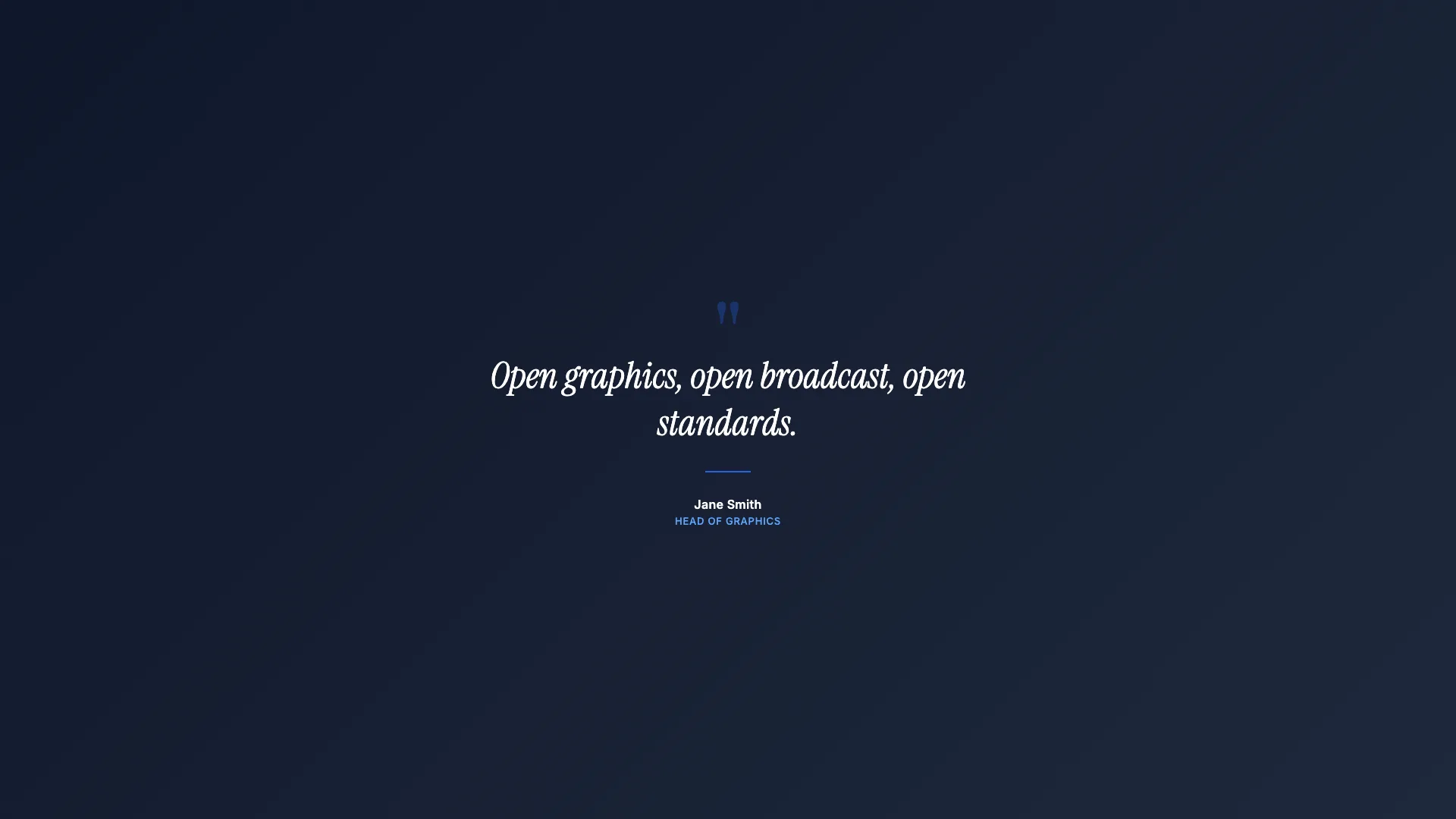
Intermediate15 min
Full Page Quote
Cinematic full-screen typography
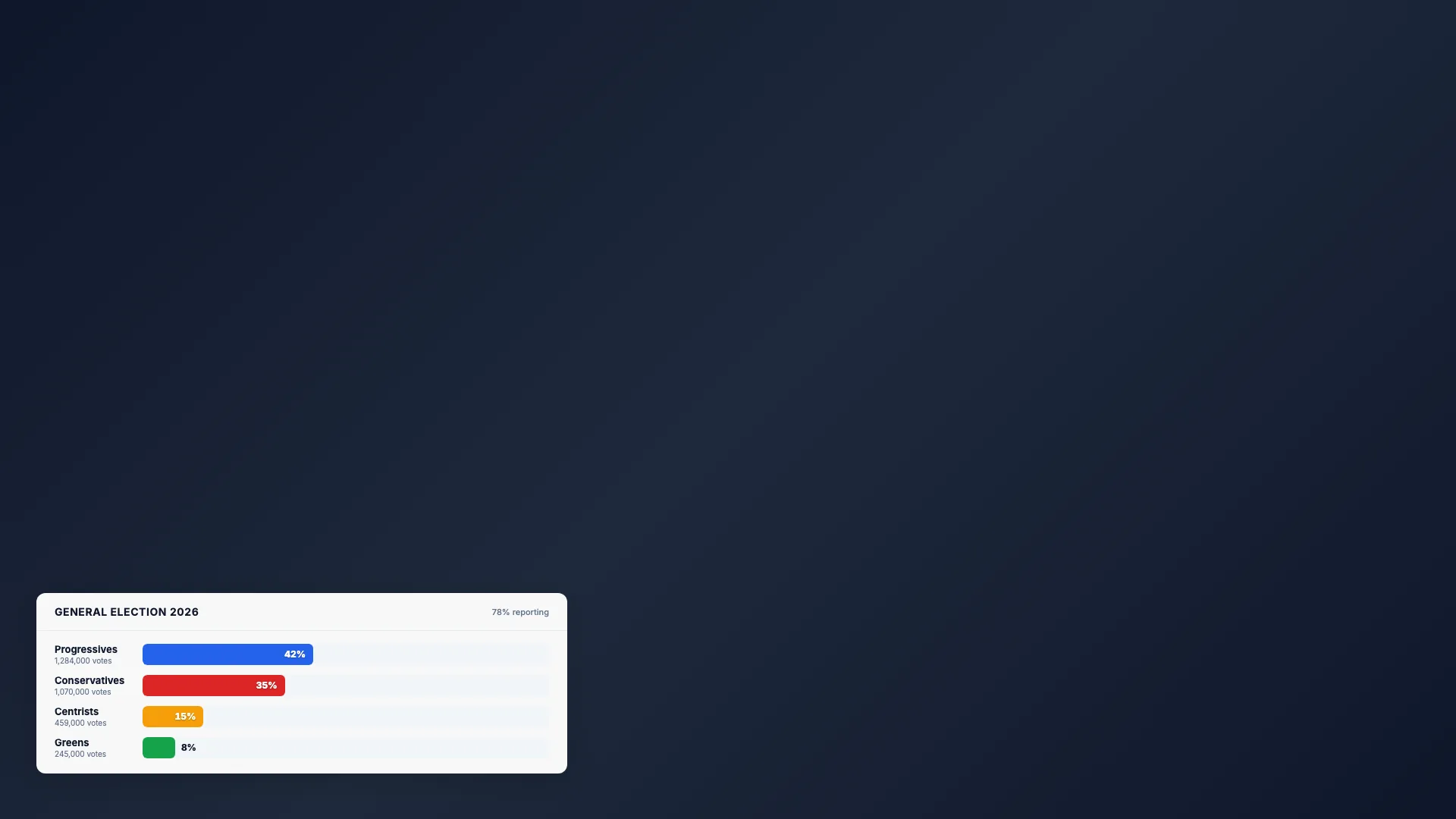
Intermediate20 min
Election Bars
Animated percentage chart
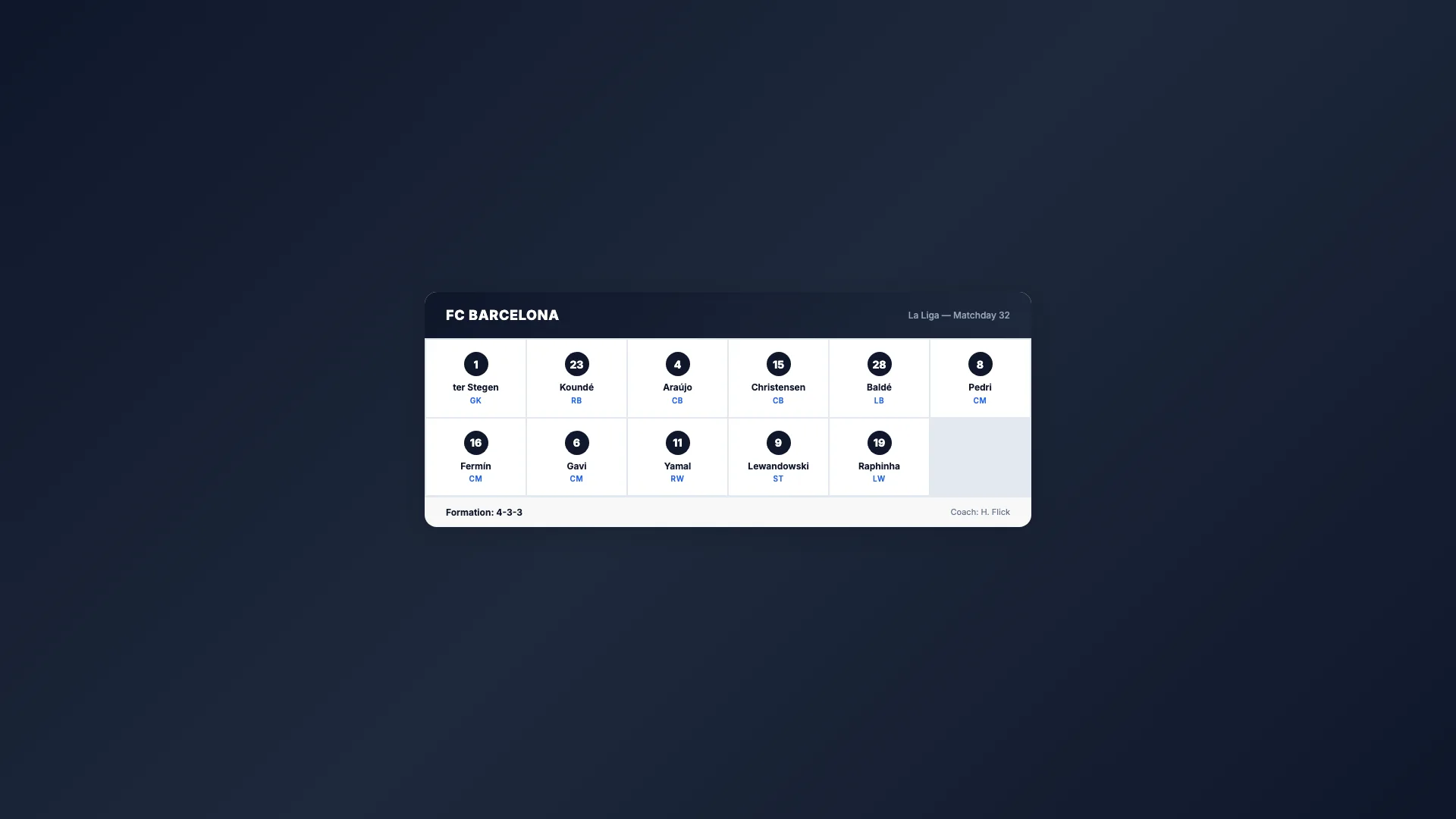
Intermediate20 min
Sport Lineup
Team roster grid

Advanced25 min
Score Bug
Live match scoreboard
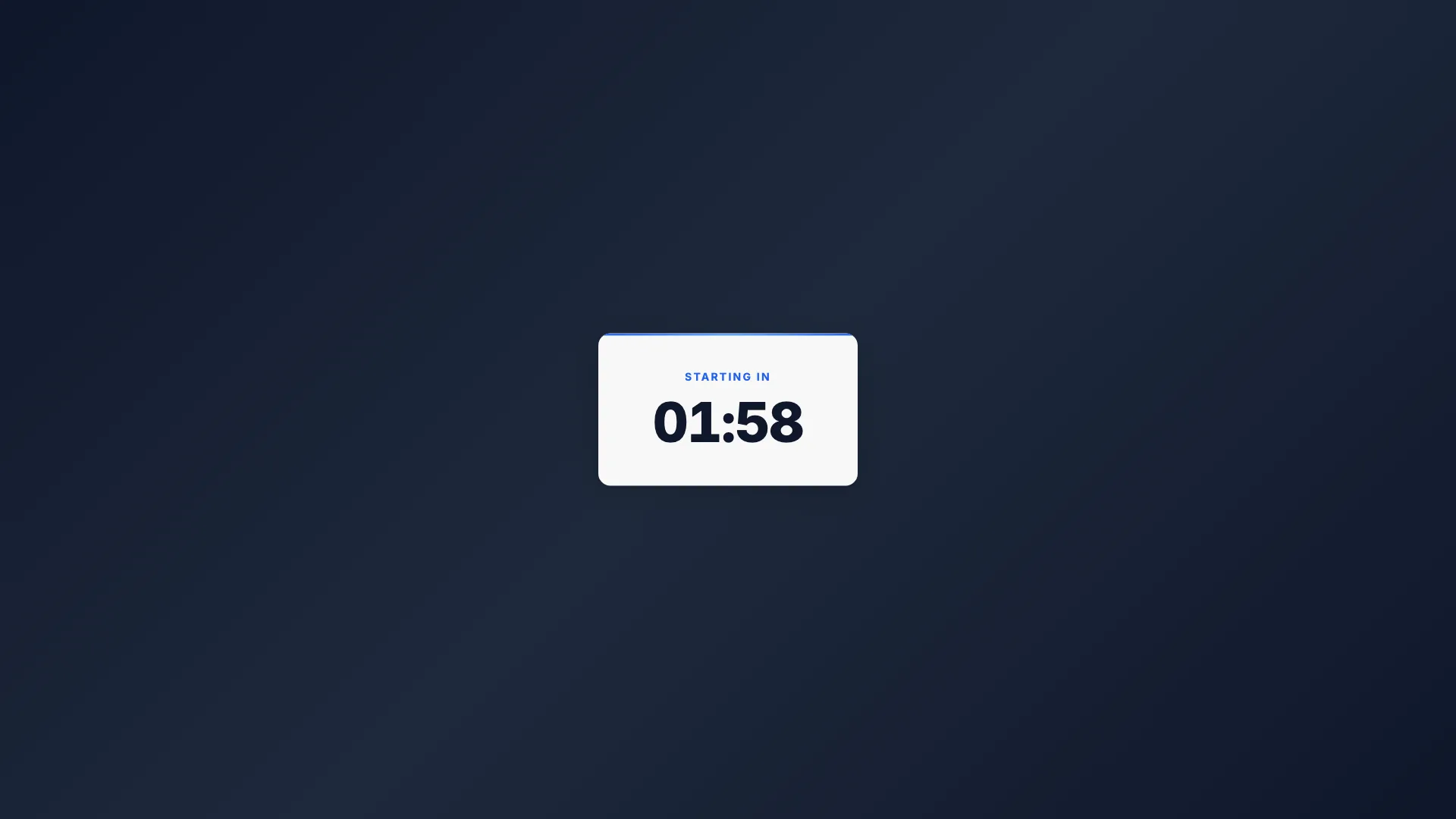
Intermediate15 min
Countdown Timer
Self-ticking clock
Intermediate15 min
Breaking News
Full-screen urgent alert

Intermediate20 min
Weather Forecast
Conditions & 3-day outlook

Beginner10 min
Social Media Card
Post overlay with avatar