Loading...
Intermediate20 min
Build election result bars.
Election bars are the backbone of results night coverage — think CNN's election night or the BBC's general election broadcast. Each row represents a party with a color-coded bar that grows to its vote percentage, creating a visceral, at-a-glance comparison of results.
Election Bars — OGraf Template
1920 x 1080
What's different from a lower third?
Data-driven widths
Each fill carries its percentage in data-pct, and _animateBars sets fill.style.width = pct + '%' inline. The data controls the visual, not a CSS class.
Staggered reveal
Rows get the show class 120 ms apart, on top of an inline transition-delay of 100 ms per row, so they cascade in from top to bottom.
Color-coded identity
Each party's color comes from the data and becomes the fill's inline background — no hardcoded palette. Works for any election, any country, any party system.
Rendering the bars
_renderBars builds one .election-row per party: name and vote count on the left, a track with a colored fill on the right, and a percentage label that starts at 0%. Name and color go through escapeHtml, and pct and votes through Number(), so operator data can't inject markup. The key trick: nothing grows yet. Every fill starts at width: 0, and its target waits in data-pct until _animateBars runs.
graphic.mjs (rendering)JavaScript
_renderBars(parties) {
  this._barsContainer.innerHTML = parties.map((p, i) => `
    <div class="election-row" style="transition-delay: ${i * 100}ms">
      <div class="election-party">
        <div class="election-party-name">${escapeHtml(p.name)}</div>
        <div class="election-party-votes">${(Number(p.votes) || 0).toLocaleString()} votes</div>
      </div>
      <div class="election-bar-wrapper">
        <div class="election-bar-track">
          <div class="election-bar-fill" style="background: ${escapeHtml(p.color)}" data-pct="${Number(p.pct)}"></div>
        </div>
        <div class="election-pct ${Number(p.pct) >= 15 ? 'inside' : 'outside'}" data-pct="${Number(p.pct)}">
          <span class="election-pct-value">0%</span>
        </div>
      </div>
    </div>
  `).join('');
}
_animateBars shows the rows 120 ms apart, then after 200 ms writes every fill's width and moves each label to the bar's edge; 150 ms later the label counts up from 0 over 900 ms with an ease-out curve. A later updateAction that includes parties re-renders the rows; on air it runs _animateBars again so the bars regrow to the new results, and off air it leaves them for the next play. Every timer inside _animateBars checks the revision it started under, so a stop that lands mid-reveal is never overwritten, and stopAction calls _resetBars once the panel is gone so a replay grows the bars from zero again.
graphic.mjs (animation)JavaScript
// Grow the bars from zero. Every timer checks the revision it started under,
// so a stop (or a newer play) that lands mid-reveal is never overwritten.
_animateBars(rev) {
  const rows = this._barsContainer.querySelectorAll('.election-row');
  const fills = this._barsContainer.querySelectorAll('.election-bar-fill');
  const pctLabels = this._barsContainer.querySelectorAll('.election-pct');

  rows.forEach((row, i) => setTimeout(() => {
    if (rev === this._rev) row.classList.add('show');
  }, i * 120));

  setTimeout(() => {
    if (rev !== this._rev) return;
    fills.forEach((fill, i) => {
      const pct = Number(fill.dataset.pct);
      fill.style.width = pct + '%';
      const label = pctLabels[i];
      if (label) {
        label.style.left = pct + '%';
        const valueEl = label.querySelector('.election-pct-value');
        if (valueEl) setTimeout(() => {
          if (rev === this._rev) this._countUp(valueEl, pct, 900);
        }, 150);
      }
    });
  }, 200);
}

// Back to the pre-play state, so the next play grows the bars again.
_resetBars() {
  this._barsContainer.querySelectorAll('.election-row').forEach((row) => row.classList.remove('show'));
  this._barsContainer.querySelectorAll('.election-bar-fill').forEach((fill) => { fill.style.width = ''; });
  this._barsContainer.querySelectorAll('.election-pct').forEach((label) => {
    label.style.left = '';
    const value = label.querySelector('.election-pct-value');
    if (value) value.textContent = '0%';
  });
}
Playing it on air
playAction follows the OGraf step model. resolveTargetStep picks the target: goto if given, otherwise the current step (-1 before the first play) plus delta, which defaults to 1. This graphic has one step, so the first play lands on step 0 and a second play goes past the end — the graphic runs stopAction and returns currentStep: undefined. On step 0 it adds visible to slide the panel up, waits 400 ms, then starts the bars and resolves 1400 ms later. With skipAnimation it adds instant to the root — a class that switches every transition off — and _showBarsInstantly sets the final widths and labels at once.
graphic.mjs (step model)JavaScript
/**
 * The step a playAction() lands on, exactly as the spec defines it: `goto`
 * wins; otherwise the current step (-1 before the first play) plus `delta`,
 * which defaults to 1. A target at or past stepCount means "go to the end",
 * returned as undefined — so a second play on a one-step graphic takes it off
 * air instead of replaying it.
 */
function resolveTargetStep(currentStep, { goto, delta } = {}, stepCount = 1) {
  const target = Number.isInteger(goto) && goto >= 0
    ? goto
    : (currentStep ?? -1) + (Number.isInteger(delta) ? delta : 1);
  return target >= stepCount ? undefined : Math.max(target, 0);
}

// Each action takes the next revision number. Anything that finishes after a
// newer action has started checks it and backs off, so play → stop → play
// sent without waiting ends on air instead of hidden by the stale stop.
async playAction({ goto, delta, skipAnimation } = {}) {
  this._initDom();
  const target = resolveTargetStep(this._step, { goto, delta });
  if (target === undefined) {
    await this.stopAction({ skipAnimation });
    return { statusCode: 200, currentStep: undefined };
  }
  const rev = ++this._rev;
  this._step = target;
  this._root.classList.remove('out');

  if (skipAnimation) {
    this._root.classList.add('instant', 'visible');
    this._showBarsInstantly();
  } else {
    this._root.classList.remove('instant');
    void this._root.offsetWidth;
    this._root.classList.add('visible');
    await sleep(400);
    if (rev !== this._rev) return { statusCode: 200, currentStep: this._step };
    this._animateBars(rev);
    await sleep(1400);
  }

  return { statusCode: 200, currentStep: this._step };
}

// skipAnimation: the end state at once. The root carries `.instant`, which
// turns every transition off, so widths and rows land without animating.
_showBarsInstantly() {
  this._barsContainer.querySelectorAll('.election-row').forEach((row) => row.classList.add('show'));
  this._barsContainer.querySelectorAll('.election-bar-fill').forEach((fill) => {
    fill.style.width = fill.dataset.pct + '%';
  });
  this._barsContainer.querySelectorAll('.election-pct').forEach((label) => {
    label.style.left = label.dataset.pct + '%';
    const value = label.querySelector('.election-pct-value');
    if (value) value.textContent = label.dataset.pct + '%';
  });
}
Why the revision counter?
Every play and stop takes the next this._rev. If a newer action arrives during the 400 ms wait, playAction skips _animateBars, and a stale stopAction won't hide the panel — so play → stop → play sent without waiting ends on air.
The CSS — bar animation
Rows slide in from 20px left when they get show. The fill transitions width over 1.2 s, and the percentage label transitions left with the same duration and curve, so it rides the edge of the growing bar. The reset at the top is scoped with :where(.election-bars-root, …), so it never restyles the renderer's page.
style.css (key parts)CSS
/* Reset scoped to the graphic. A bare `*` rule in light DOM would also restyle
 * the renderer's page and every other graphic on it; :where() keeps the
 * specificity at zero, same as the bare selector it replaces. */
:where(.election-bars-root, .election-bars-root *),
:where(.election-bars-root, .election-bars-root *)::before,
:where(.election-bars-root, .election-bars-root *)::after { margin: 0; padding: 0; box-sizing: border-box; }

.election-row {
  display: flex;
  align-items: center;
  gap: 16px;
  opacity: 0;
  transform: translateX(-20px);
}

.election-row.show {
  opacity: 1;
  transform: translateX(0);
  transition: opacity 0.4s ease, transform 0.5s cubic-bezier(0.16, 1, 0.3, 1);
}

.election-bar-fill {
  height: 100%;
  border-radius: 6px;
  width: 0;
  transition: width 1.2s cubic-bezier(0.16, 1, 0.3, 1);
}

/* The percentage label — floats at the bar's edge */
.election-pct {
  position: absolute;
  top: 0;
  bottom: 0;
  display: flex;
  align-items: center;
  font-size: 12px;
  font-weight: 800;
  white-space: nowrap;
  pointer-events: none;
  left: 0;
  transition: left 1.2s cubic-bezier(0.16, 1, 0.3, 1);
  font-variant-numeric: tabular-nums;
}

/* Inside the bar (white on color) */
.election-pct.inside {
  color: white;
  text-shadow: 0 1px 2px rgba(0, 0, 0, 0.25);
  justify-content: flex-end;
  padding-right: 10px;
  /* Label is positioned at left = barWidth, but needs to sit inside */
  transform: translateX(-100%);
  width: auto;
  min-width: 44px;
}

/* Outside the bar (dark text to the right) */
.election-pct.outside {
  color: #0f172a;
  padding-left: 8px;
}
Design tip
Use asymmetric percentage labels. _renderBars gives the label the inside class when the party has 15% or more (white text, pulled back inside the bar) and outside below that (dark text just past the bar's end). Tiny bars never have to fit a label they can't hold — a common pitfall in election graphics.
Number formatting
Large vote counts are hard to read without separators. _renderBars writes (Number(p.votes) || 0).toLocaleString(), which adds thousands separators for the renderer's locale — 1,284,000 is far more readable than 1284000. votes is optional in the schema, so a missing value shows as 0. The percentage label is formatted separately: _countUp rounds each eased frame to a whole number.
graphic.mjs (count-up)JavaScript
_countUp(el, target, duration) {
  const start = performance.now();
  const update = (now) => {
    const elapsed = now - start;
    const progress = Math.min(elapsed / duration, 1);
    const eased = 1 - Math.pow(1 - progress, 3);
    el.textContent = Math.round(eased * target) + '%';
    if (progress < 1) requestAnimationFrame(update);
  };
  requestAnimationFrame(update);
}
The manifest
The parties field is a typed array — items.type is object with required name, pct, and color. That's how OGraf declares structured repeating data.
election-bars.ograf.jsonJSON
{
  "$schema": "https://ograf.ebu.io/v1/specification/json-schemas/graphics/schema.json",
  "id": "dev.ograf.tutorial.election-bars",
  "version": "1.0.0",
  "name": "Election Bars",
  "description": "Animated horizontal bar chart for election results with data-driven widths and color-coded parties. Tutorial from ograf.dev.",
  "author": {
    "name": "ograf.dev",
    "url": "https://ograf.dev"
  },
  "main": "graphic.mjs",
  "stepCount": 1,
  "supportsRealTime": true,
  "supportsNonRealTime": false,
  "thumbnails": [
    {
      "file": "thumbnail.webp",
      "resolution": {
        "width": 1920,
        "height": 1080
      }
    }
  ],
  "schema": {
    "type": "object",
    "properties": {
      "title": {
        "type": "string",
        "title": "Title",
        "gddType": "single-line",
        "default": "General Election 2026"
      },
      "subtitle": {
        "type": "string",
        "title": "Subtitle",
        "gddType": "single-line",
        "default": "78% reporting"
      },
      "parties": {
        "type": "array",
        "title": "Parties",
        "items": {
          "type": "object",
          "properties": {
            "name": {
              "type": "string",
              "title": "Name",
              "gddType": "single-line"
            },
            "pct": {
              "type": "number",
              "title": "Percentage",
              "minimum": 0,
              "maximum": 100
            },
            "votes": {
              "type": "integer",
              "title": "Votes",
              "minimum": 0
            },
            "color": {
              "type": "string",
              "title": "Color",
              "gddType": "color-rrggbb",
              "pattern": "^#[0-9a-f]{6}quot;
            }
          },
          "required": [
            "name",
            "pct",
            "color"
          ]
        },
        "default": [
          {
            "name": "Progressives",
            "pct": 42,
            "votes": 1284000,
            "color": "#2563eb"
          },
          {
            "name": "Conservatives",
            "pct": 35,
            "votes": 1070000,
            "color": "#dc2626"
          },
          {
            "name": "Centrists",
            "pct": 15,
            "votes": 459000,
            "color": "#f59e0b"
          },
          {
            "name": "Greens",
            "pct": 8,
            "votes": 245000,
            "color": "#16a34a"
          }
        ]
      }
    }
  }
}
Download the full Election Bars package
A real OGraf Graphics Definition v1 package. A compliant renderer reads the manifest and drives the lifecycle. MIT-licensed; drop it into any OGraf-compatible system.
election-bars.ograf.json
Manifest — what a renderer reads (id, schema, lifecycle flags)
graphic.mjs
Web Component with load / play / update / stop / customAction / dispose
style.css
Stylesheet, loaded by graphic.mjs via a <link> tag
thumbnail.webp
1920×1080 preview, declared in the manifest
README.md
Usage notes
LICENSE
MIT
Download election-bars.zipMIT · fonts included · drop on /check to validate
Election bars complete.
Data-driven widths, staggered reveals, color-coded parties, and a spec-compliant step model — everything you need for results night coverage.
More tutorials

Beginner15 min
Lower Third
Name & title overlay

Beginner10 min
Bug / LIVE
Corner indicator with pulse

Intermediate20 min
News Ticker
Scrolling headline crawl
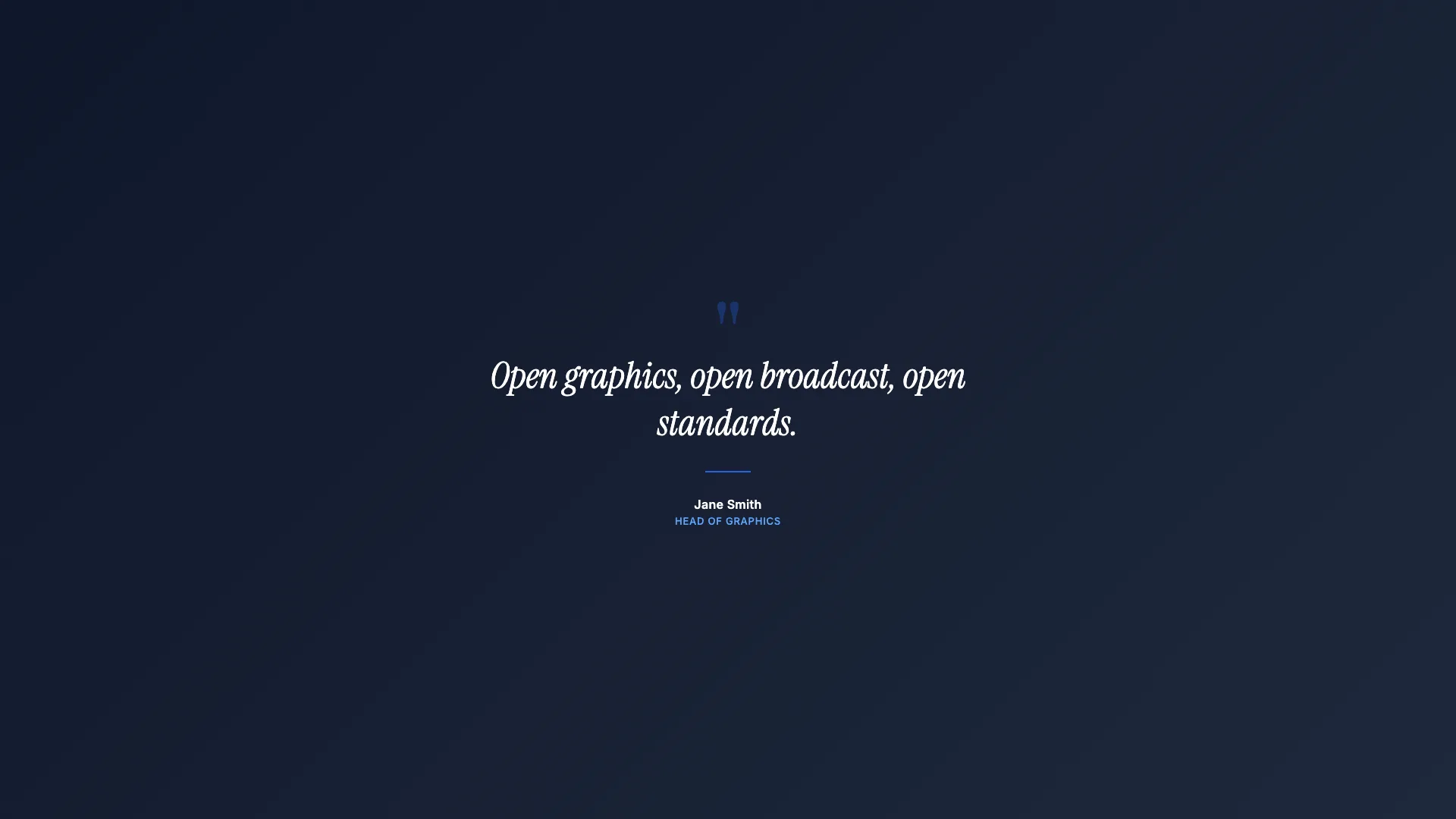
Intermediate15 min
Full Page Quote
Cinematic full-screen typography
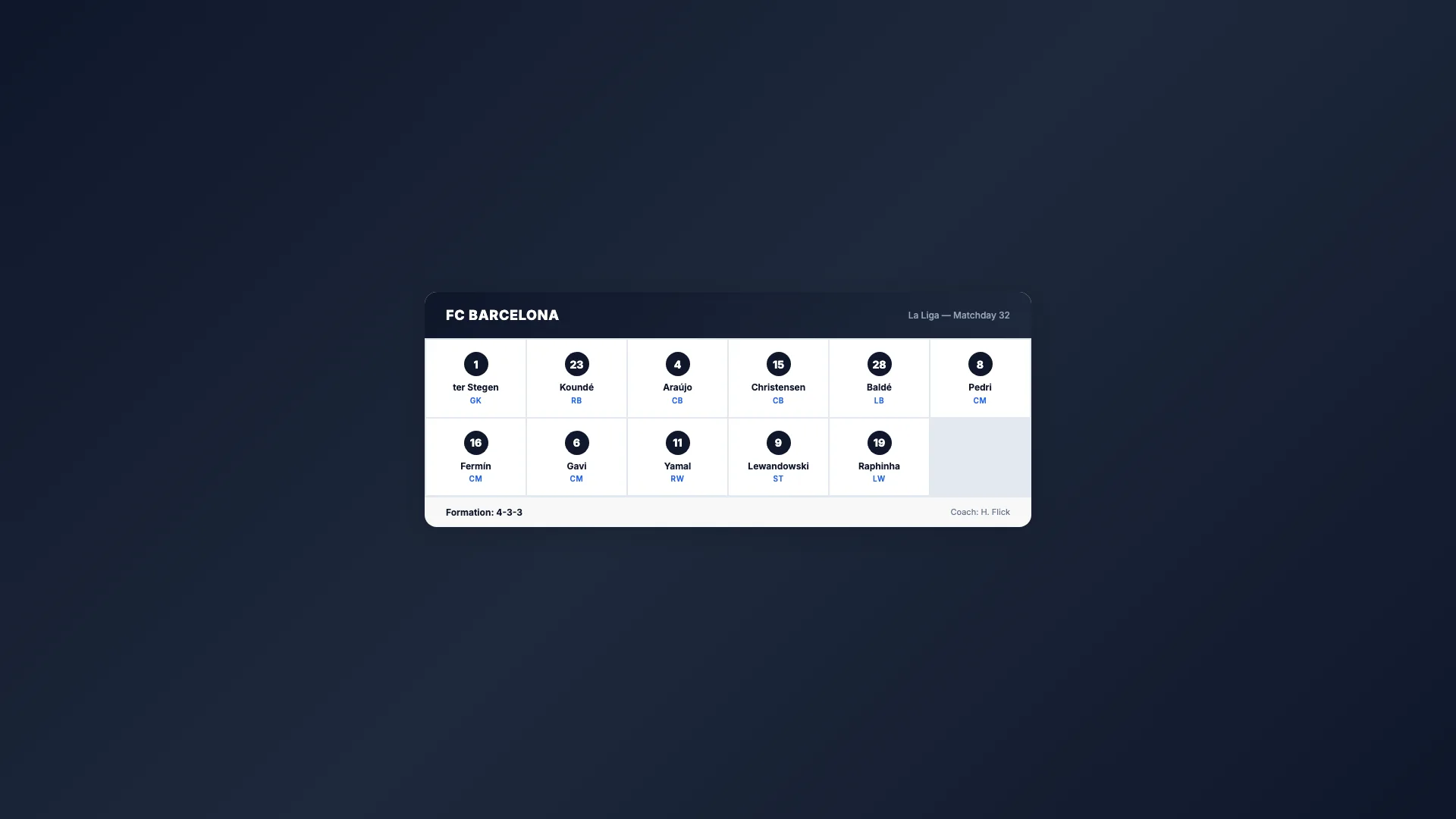
Intermediate20 min
Sport Lineup
Team roster grid

Advanced25 min
Score Bug
Live match scoreboard
Intermediate15 min
Countdown Timer
Self-ticking clock
Intermediate15 min
Breaking News
Full-screen urgent alert

Intermediate20 min
Weather Forecast
Conditions & 3-day outlook

Beginner10 min
Social Media Card
Post overlay with avatar