Loading...
Beginner10 min
Build a bug / watermark.
A corner bug is a small branded element — LIVE indicator, channel logo, event badge — that sits in a corner of the screen. It pops in with a scale animation and fades out cleanly.
Bug — OGraf Template
1920 x 1080
What's different from a lower third?
Position
Top-right corner. position: absolute; top: 40px; right: 40px — never fixed, which would escape to the viewport instead of the 1920×1080 render area.
Animation
Scale from 50% + blur instead of slide. A "materializing" effect — less intrusive than a slide for something that stays on screen.
Pulsing LIVE dot
A CSS @keyframes pulse on an absolutely-positioned sibling creates the broadcast-style LIVE ping without any JavaScript.
The manifest
bug.ograf.jsonJSON
{
  "$schema": "https://ograf.ebu.io/v1/specification/json-schemas/graphics/schema.json",
  "id": "dev.ograf.tutorial.bug",
  "version": "1.0.0",
  "name": "Corner Bug / LIVE",
  "description": "Corner indicator that pops in with a scale animation and a pulsing LIVE dot. Tutorial from ograf.dev.",
  "author": {
    "name": "ograf.dev",
    "url": "https://ograf.dev"
  },
  "main": "graphic.mjs",
  "stepCount": 1,
  "supportsRealTime": true,
  "supportsNonRealTime": false,
  "thumbnails": [
    {
      "file": "thumbnail.webp",
      "resolution": {
        "width": 1920,
        "height": 1080
      }
    }
  ],
  "schema": {
    "type": "object",
    "properties": {
      "label": {
        "type": "string",
        "title": "Label",
        "gddType": "single-line",
        "default": "LIVE"
      },
      "sublabel": {
        "type": "string",
        "title": "Sublabel",
        "gddType": "single-line",
        "default": "Breaking News"
      }
    }
  }
}
Download the full Corner Bug package
A real OGraf Graphics Definition v1 package. A compliant renderer reads the manifest and drives the lifecycle. MIT-licensed; drop it into any OGraf-compatible system.
bug.ograf.json
Manifest — what a renderer reads (id, schema, lifecycle flags)
graphic.mjs
Web Component with load / play / update / stop / customAction / dispose
style.css
Stylesheet, loaded by graphic.mjs via a <link> tag
thumbnail.webp
1920×1080 preview, declared in the manifest
README.md
Usage notes
LICENSE
MIT
Download bug.zipMIT · fonts included · drop on /check to validate
The key CSS — scale + blur animation
Instead of sliding in, the bug scales up from 50% with an 8px blur. The resting state lives on .bug; the JavaScript only toggles the visible and out classes. This creates a subtle "materializing" effect that's less intrusive than a slide — perfect for something that sits in the corner.
style.css (key parts)CSS
.bug {
  position: absolute;
  top: 40px;
  right: 40px;
  font-family: 'Inter', system-ui, sans-serif;
  transform: scale(0.5);
  opacity: 0;
  filter: blur(8px);
}

.bug.visible {
  transform: scale(1);
  opacity: 1;
  filter: blur(0);
  transition:
    transform 0.6s cubic-bezier(0.16, 1, 0.3, 1),
    opacity 0.4s ease,
    filter 0.4s ease;
}

.bug.out {
  transform: scale(0.8);
  opacity: 0;
  filter: blur(8px);
  transition:
    transform 0.4s cubic-bezier(0.76, 0, 0.24, 1),
    opacity 0.3s ease,
    filter 0.3s ease;
}
Design tip
The in-animation is a 0.6s ease-out that settles gently; the out-animation (.bug.out) only shrinks to 80% (not 50%) over a shorter 0.4s ease-in-out, with opacity and blur gone in 0.3s. This asymmetry — soft in, quick out — feels natural. The eye notices the entrance but barely registers the exit.
The Web Component
Same shape as the lower third: a <link> to the stylesheet (absolute URL via import.meta.url), a lazy _initDom(), and all six lifecycle methods. No module-level customElements.define() — the renderer picks the tag. This is the complete file from the download:
graphic.mjsJavaScript
/**
 * OGraf Bug / LIVE — corner indicator with a pulsing LIVE dot.
 *
 * Designed for the OGraf iframe mount model: loads its stylesheet via a
 * <link rel="stylesheet"> tag whose URL is computed from import.meta.url,
 * so it resolves wherever the renderer serves the package from.
 *
 * DOM init is done lazily in _initDom() rather than connectedCallback —
 * renderers may instantiate the element without attaching it, and load()
 * is always the first method called.
 *
 * Do NOT call customElements.define() here — the renderer picks the tag.
 */

const STYLE_URL = new URL('./style.css', import.meta.url).href;

const TEMPLATE = `
  <link rel="stylesheet" href="${STYLE_URL}">
  <div class="bug">
    <div class="bug-container">
      <div class="bug-live">
        <div class="bug-live-ping"></div>
        <div class="bug-live-dot"></div>
      </div>
      <div class="bug-text">
        <div class="bug-label"></div>
        <div class="bug-sublabel"></div>
      </div>
    </div>
  </div>
`;

const sleep = (ms) => new Promise((resolve) => setTimeout(resolve, ms));

/**
 * The step a playAction() lands on, exactly as the spec defines it: `goto`
 * wins; otherwise the current step (-1 before the first play) plus `delta`,
 * which defaults to 1. A target at or past stepCount means "go to the end",
 * returned as undefined — so a second play on a one-step graphic takes it off
 * air instead of replaying it.
 */
function resolveTargetStep(currentStep, { goto, delta } = {}, stepCount = 1) {
  const target = Number.isInteger(goto) && goto >= 0
    ? goto
    : (currentStep ?? -1) + (Number.isInteger(delta) ? delta : 1);
  return target >= stepCount ? undefined : Math.max(target, 0);
}

export default class BugGraphic extends HTMLElement {

  _initDom() {
    if (this._initialized) return;
    this.innerHTML = TEMPLATE;
    this._root = this.querySelector('.bug');
    this._label = this.querySelector('.bug-label');
    this._sublabel = this.querySelector('.bug-sublabel');
    this._step = undefined;
    this._rev = 0;
    this._initialized = true;
  }

  async load({ data } = {}) {
    this._initDom();
    if (data?.label !== undefined) this._label.textContent = data.label;
    if (data?.sublabel !== undefined) this._sublabel.textContent = data.sublabel;
    return { statusCode: 200 };
  }

  // Each action takes the next revision number. Anything that finishes after a
  // newer action has started checks it and backs off, so play → stop → play
  // sent without waiting ends on air instead of hidden by the stale stop.
  async playAction({ goto, delta, skipAnimation } = {}) {
    this._initDom();
    const target = resolveTargetStep(this._step, { goto, delta });
    if (target === undefined) {
      await this.stopAction({ skipAnimation });
      return { statusCode: 200, currentStep: undefined };
    }
    ++this._rev;
    this._step = target;
    this._root.classList.remove('out');
    if (skipAnimation) {
      this._root.classList.add('instant', 'visible');
      return { statusCode: 200, currentStep: this._step };
    }
    this._root.classList.remove('instant');
    // Force a reflow so the browser registers the starting state.
    void this._root.offsetWidth;
    this._root.classList.add('visible');
    await sleep(600);
    return { statusCode: 200, currentStep: this._step };
  }

  async stopAction({ skipAnimation } = {}) {
    this._initDom();
    const rev = ++this._rev;
    this._step = undefined;
    if (skipAnimation) {
      this._root.classList.add('instant');
      this._root.classList.remove('visible', 'out');
      return { statusCode: 200 };
    }
    this._root.classList.remove('instant');
    this._root.classList.add('out');
    await sleep(400);
    if (rev === this._rev) this._root.classList.remove('visible', 'out');
    return { statusCode: 200 };
  }

  async updateAction({ data } = {}) {
    this._initDom();
    if (data?.label !== undefined) this._label.textContent = data.label;
    if (data?.sublabel !== undefined) this._sublabel.textContent = data.sublabel;
    return { statusCode: 200 };
  }

  // Every OGraf graphic must expose customAction, even without any declared.
  // The renderer passes { id, payload, skipAnimation }; an unknown id is a 4xx.
  async customAction({ id } = {}) {
    return { statusCode: 404, statusMessage: `Unknown custom action: ${id ?? ''}` };
  }

  async dispose() {
    this._rev = (this._rev ?? 0) + 1;
    this.innerHTML = '';
    this._initialized = false;
    return { statusCode: 200 };
  }
}
- Steps.
resolveTargetStep()follows the spec:gotoif given, otherwise the current step (-1 before the first play) plusdelta(default 1). The bug has one step, so the first play puts it on air at step 0 and a second play takes it off air and returnscurrentStep: undefined. - Out-of-order actions. Every action bumps
this._rev.stopAction()only removes.visibleafter its 400ms if no newer action has started, so play → stop → play sent without waiting ends on air. - Partial updates.
load()andupdateAction()apply each field that is!== undefined: send onlysublabelto change it alone, or an empty string to clear it. - Custom actions. The renderer calls
customAction({ id, payload, skipAnimation })with anidfrom the manifest'scustomActions. The bug declares none, so any id gets{ statusCode: 404, statusMessage }— a 4xx is the spec's error range.
Bug complete.
Same OGraf package pattern — manifest, CSS, Web Component. Different visual, same interoperability.
More tutorials

Beginner15 min
Lower Third
Name & title overlay

Intermediate20 min
News Ticker
Scrolling headline crawl
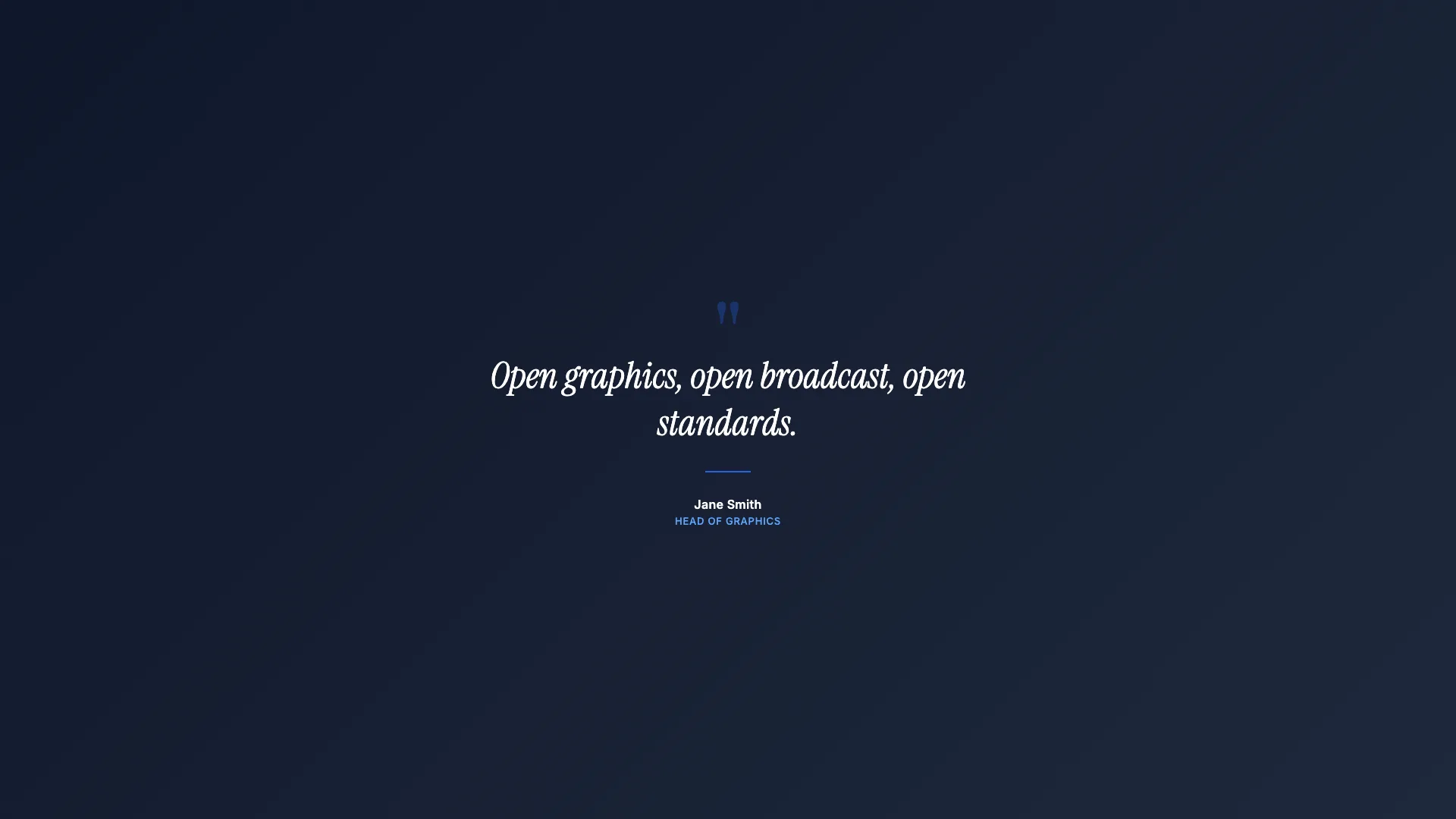
Intermediate15 min
Full Page Quote
Cinematic full-screen typography
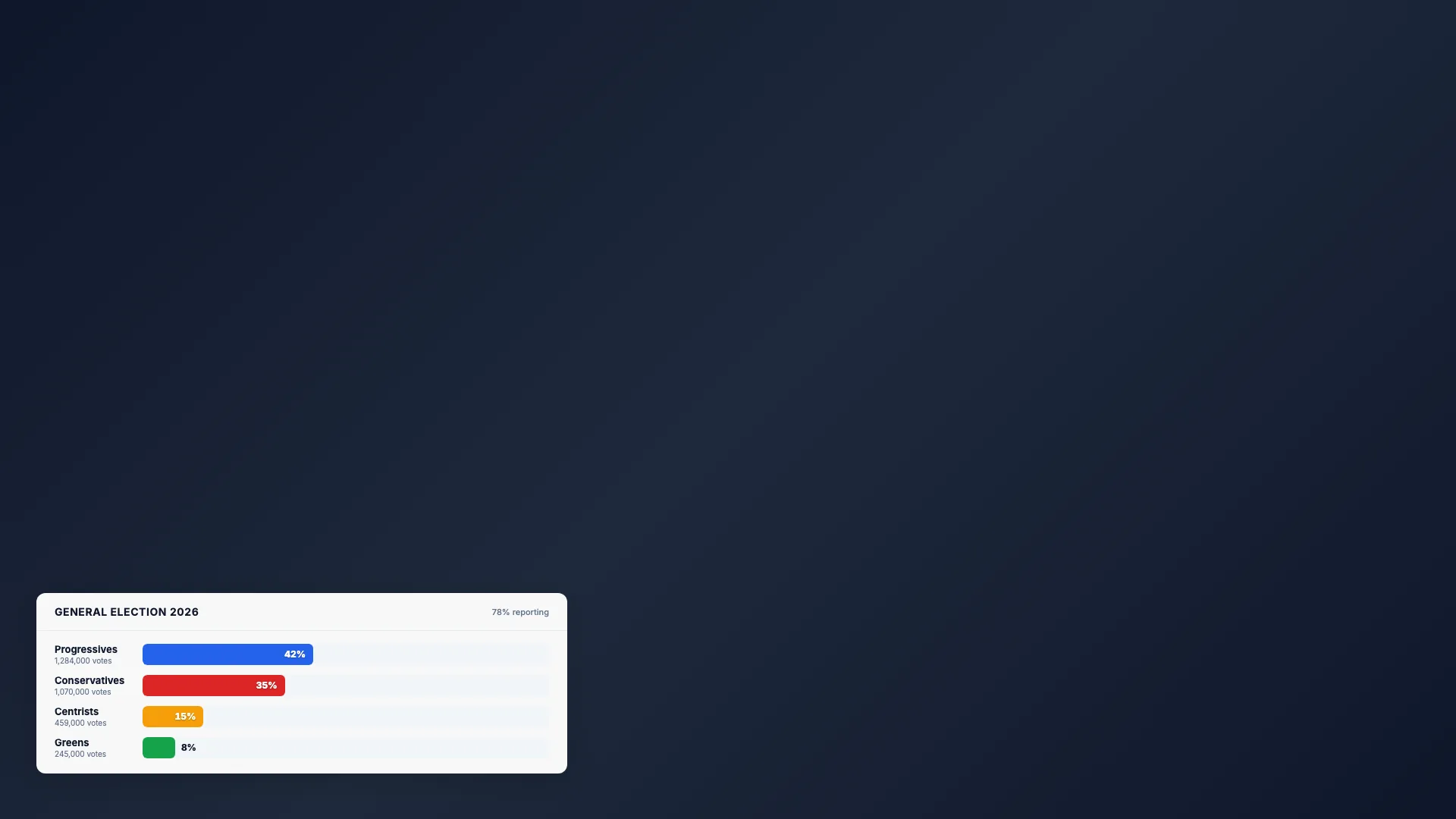
Intermediate20 min
Election Bars
Animated percentage chart
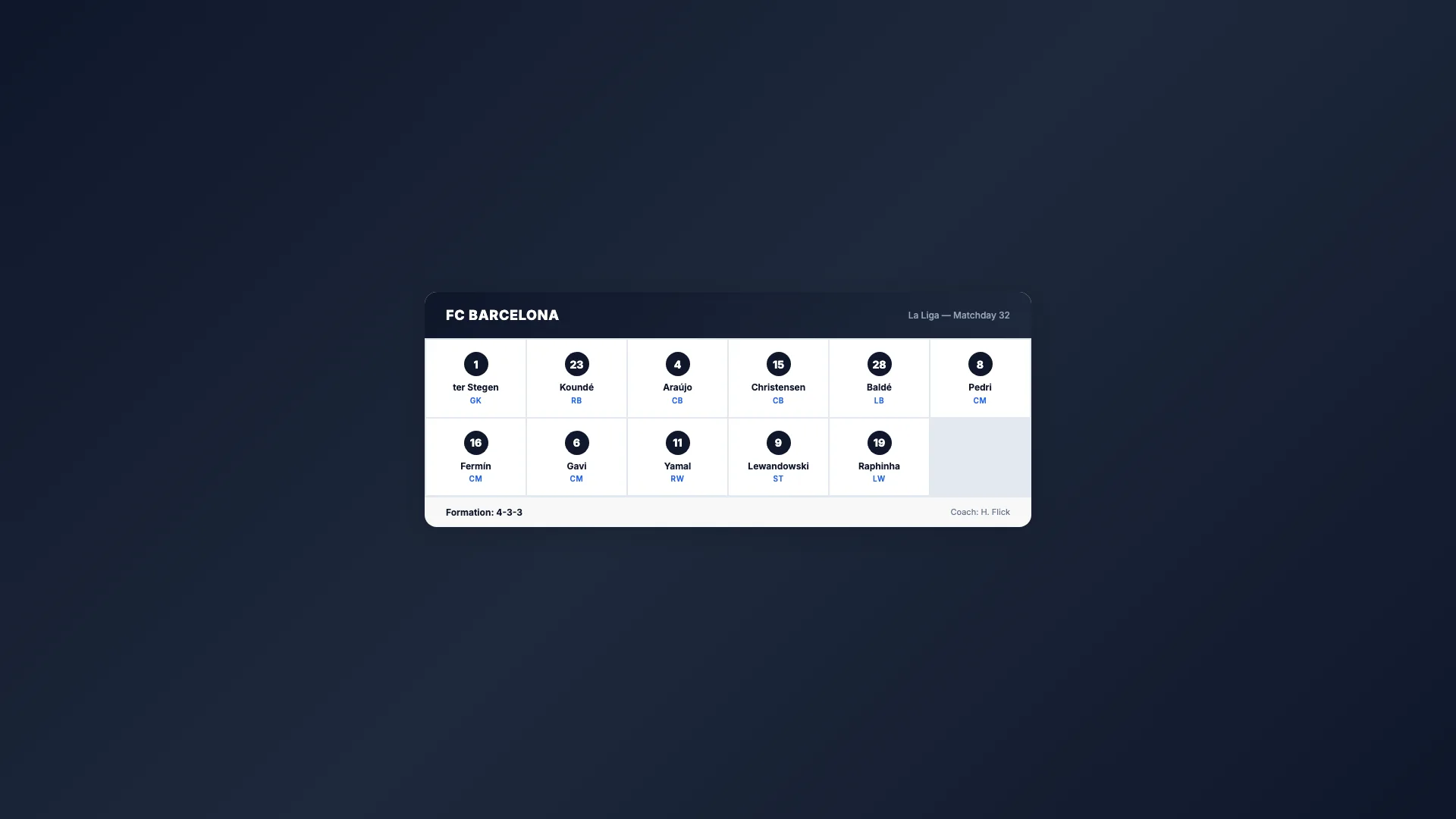
Intermediate20 min
Sport Lineup
Team roster grid

Advanced25 min
Score Bug
Live match scoreboard
Intermediate15 min
Countdown Timer
Self-ticking clock

Intermediate15 min
Breaking News
Full-screen urgent alert
Intermediate20 min
Weather Forecast
Conditions & 3-day outlook

Beginner10 min
Social Media Card
Post overlay with avatar