Loading...
Intermediate15 min
Build a breaking news alert.
The breaking news alert is a full-screen interrupt — a bold, red overlay that demands attention. Unlike other graphics, it uses stepCount: 0, meaning it's fire-and-forget: one play takes it in, it holds, and it dismisses itself without the operator having to take it out.
Breaking News — OGraf Template
1920 x 1080
What's different from other graphics?
Fire-and-forget
stepCount: 0 in the manifest. The graphic plays in, holds for 3.5 s, then dismisses itself. No operator needed to take it out, though a stop can still cut it short.
Full-screen overlay
Fills the graphic's whole box with an 85% black, blurred backdrop. The red "Breaking News" badge and the headline sit centred on top.
Staggered reveal
One visible class drives three elements with different transition delays: badge, then headline, then the accent line.
The auto-dismiss pattern
The timing lives in three constants: 1.2 s for the entrance to land, 3.5 s on air, 0.6 s for the exit.
graphic.mjs (timing)JavaScript
// In: the staggered reveal ends when the accent line lands (0.6s delay + 0.6s
// transition). Hold: time on air. Out: the 0.6s fade.
const IN_MS = 1200;

const HOLD_MS = 3500;

const OUT_MS = 600;
playAction adds the visible class and waits only for the entrance. It then starts _autoDismiss without awaiting it and returns currentStep: undefined. The hold and the exit carry on in the background, and the renderer is free to send its next action as soon as the alert is on screen.
graphic.mjs (playAction)JavaScript
// Each action takes the next revision number. Anything that finishes after a
// newer action has started checks it and backs off, so play → stop → play
// sent without waiting ends on air instead of hidden by the stale stop.
async playAction({ skipAnimation } = {}) {
  this._initDom();
  const rev = ++this._rev;
  this._root.classList.remove('out');
  if (skipAnimation) {
    this._root.classList.add('instant');
  } else {
    this._root.classList.remove('instant');
    void this._root.offsetWidth;
  }
  this._root.classList.add('visible');

  // stepCount is 0: the graphic runs start → end on its own. The promise
  // resolves once it is on screen, so the renderer is free for the next
  // action; the hold and the exit carry on in the background.
  if (!skipAnimation) await sleep(IN_MS);
  this._autoDismiss(rev, skipAnimation);
  return { statusCode: 200, currentStep: undefined };
}

async _autoDismiss(rev, skipAnimation) {
  await sleep(HOLD_MS);
  if (rev !== this._rev) return;
  if (skipAnimation) {
    this._root.classList.remove('visible', 'out');
    return;
  }
  this._root.classList.add('out');
  await sleep(OUT_MS);
  if (rev === this._rev) this._root.classList.remove('visible', 'out');
}
Key insight: stepCount: 0
stepCount: 0 tells the renderer the graphic has no steps of its own: it plays in and ends by itself. The renderer still calls playAction, which must return currentStep: undefined. The spec says the promise should resolve once the graphic is ready for the next action, so it resolves after the entrance (IN_MS), not after the whole hold and exit.
Stopping it early
Fire-and-forget doesn't mean unstoppable. A renderer can still call stopAction to take the alert off before the hold ends, and updateAction can swap the headline while it's up. Every action takes the next this._rev. The background _autoDismiss checks that number after its hold and again after the exit, so a pending dismiss from an earlier play never hides a newer one: play → stop → play sent without waiting ends on air. customAction must exist even though the manifest declares none, and it answers every id with 404.
graphic.mjs (stopAction, customAction)JavaScript
async stopAction({ skipAnimation } = {}) {
  this._initDom();
  const rev = ++this._rev;
  if (skipAnimation) {
    this._root.classList.add('instant');
    this._root.classList.remove('visible', 'out');
    return { statusCode: 200 };
  }
  this._root.classList.remove('instant');
  this._root.classList.add('out');
  await sleep(600);
  if (rev === this._rev) this._root.classList.remove('visible', 'out');
  return { statusCode: 200 };
}

// Every OGraf graphic must expose customAction, even without any declared.
// The renderer passes { id, payload, skipAnimation }; an unknown id is a 4xx.
async customAction({ id } = {}) {
  return { statusCode: 404, statusMessage: `Unknown custom action: ${id ?? ''}` };
}
The CSS: urgency design
The whole overlay fades in over 0.4 s. Inside it, the badge scales out from the centre after 0.2 s, the headline rises into place after 0.4 s, and the accent line draws after 0.6 s: all started by the same visible class, staggered only by transition-delay. The accent line is the last to land, at 1.2 s, which is where IN_MS comes from. On exit the out rules collapse the badge and line and fade everything over 0.6 s.
style.css (staggered reveal)CSS
.breaking.visible {
  opacity: 1;
  transition: opacity 0.4s ease;
}

.breaking.visible .breaking-badge {
  transform: scaleX(1);
  transition: transform 0.5s cubic-bezier(0.16, 1, 0.3, 1) 0.2s;
}

.breaking.visible .breaking-headline {
  transform: translateY(0);
  opacity: 1;
  transition:
    transform 0.7s cubic-bezier(0.16, 1, 0.3, 1) 0.4s,
    opacity 0.5s ease 0.4s;
}

.breaking.visible .breaking-line {
  transform: scaleX(1);
  transition: transform 0.6s cubic-bezier(0.16, 1, 0.3, 1) 0.6s;
}
style.css (pulsing dot)CSS
.breaking-badge-dot {
  width: 8px;
  height: 8px;
  background: #ffffff;
  border-radius: 50%;
  animation: badgePulse 1.5s ease infinite;
}

@keyframes badgePulse {
  0%, 100% { opacity: 1; }
  50% { opacity: 0.3; }
}
Design tip
The pulsing white dot in the red badge adds urgency without being distracting. It's a subtle but effective broadcast convention: viewers associate that blinking dot with live, important content. The animation is slow (a 1.5 s cycle) so it doesn't feel frantic.
The manifest
Notice stepCount: 0: that's how OGraf declares a graphic that plays in and ends on its own. The renderer still calls playAction, which returns currentStep: undefined once the entrance has landed.
breaking-news.ograf.jsonJSON
{
  "$schema": "https://ograf.ebu.io/v1/specification/json-schemas/graphics/schema.json",
  "id": "dev.ograf.tutorial.breaking-news",
  "version": "1.0.0",
  "name": "Breaking News",
  "description": "Fire-and-forget full-screen breaking news overlay that plays in, holds, and auto-dismisses. Tutorial from ograf.dev.",
  "author": {
    "name": "ograf.dev",
    "url": "https://ograf.dev"
  },
  "main": "graphic.mjs",
  "stepCount": 0,
  "supportsRealTime": true,
  "supportsNonRealTime": false,
  "thumbnails": [
    {
      "file": "thumbnail.webp",
      "resolution": {
        "width": 1920,
        "height": 1080
      }
    }
  ],
  "schema": {
    "type": "object",
    "properties": {
      "headline": {
        "type": "string",
        "title": "Headline",
        "gddType": "single-line",
        "default": "City council approves new riverside transit line"
      }
    }
  }
}
Download the full Breaking News package
A real OGraf Graphics Definition v1 package. A compliant renderer reads the manifest and drives the lifecycle. MIT-licensed; drop it into any OGraf-compatible system.
breaking-news.ograf.json
Manifest — what a renderer reads (id, schema, lifecycle flags)
graphic.mjs
Web Component with load / play / update / stop / customAction / dispose
style.css
Stylesheet, loaded by graphic.mjs via a <link> tag
thumbnail.webp
1920×1080 preview, declared in the manifest
README.md
Usage notes
LICENSE
MIT
Download breaking-news.zipMIT · fonts included · drop on /check to validate
Breaking news complete.
Fire-and-forget with stepCount: 0, a staggered reveal, and a background auto-dismiss that a stop can still cut short.
More tutorials

Beginner15 min
Lower Third
Name & title overlay

Beginner10 min
Bug / LIVE
Corner indicator with pulse

Intermediate20 min
News Ticker
Scrolling headline crawl

Intermediate15 min
Full Page Quote
Cinematic full-screen typography
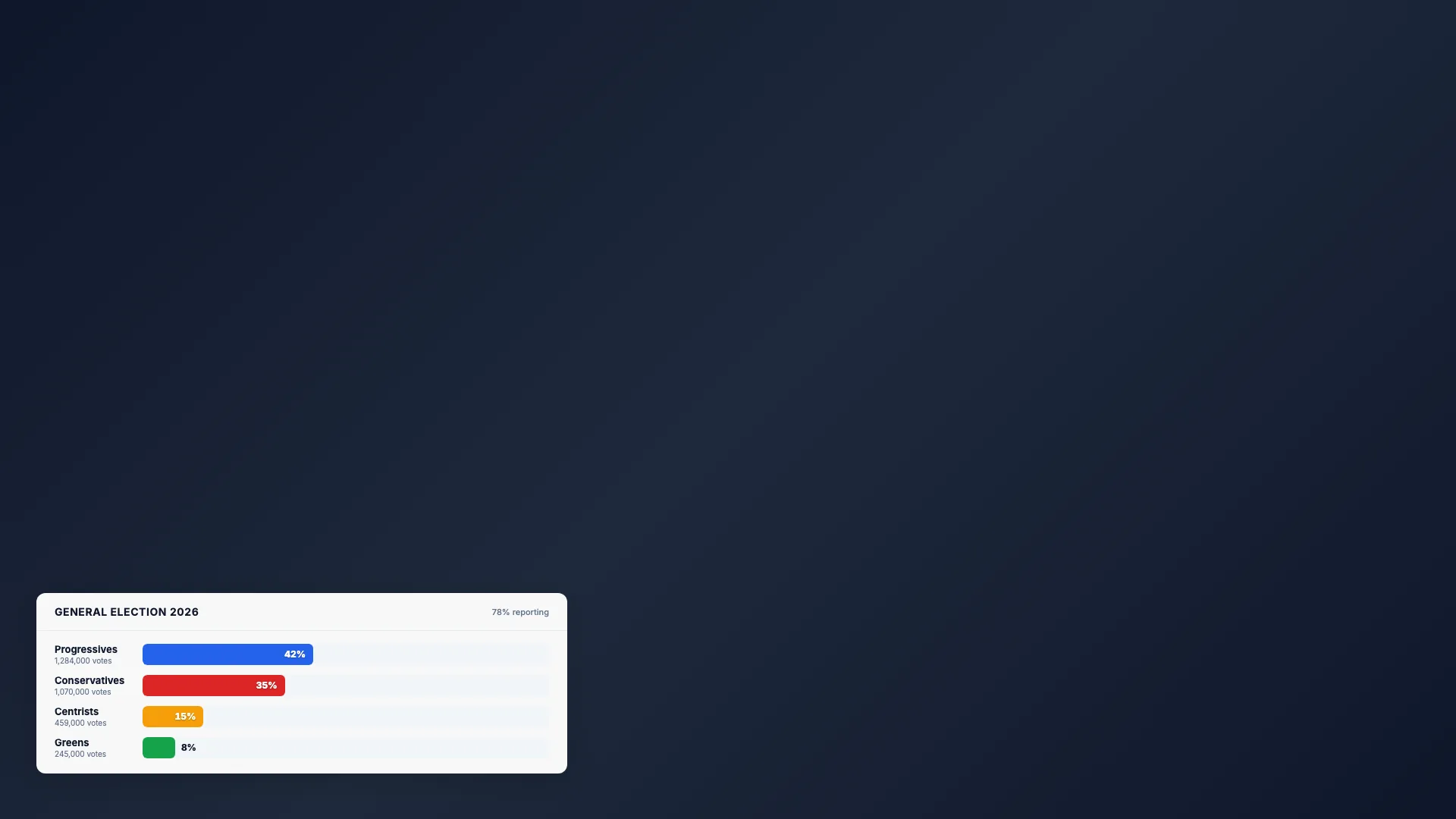
Intermediate20 min
Election Bars
Animated percentage chart
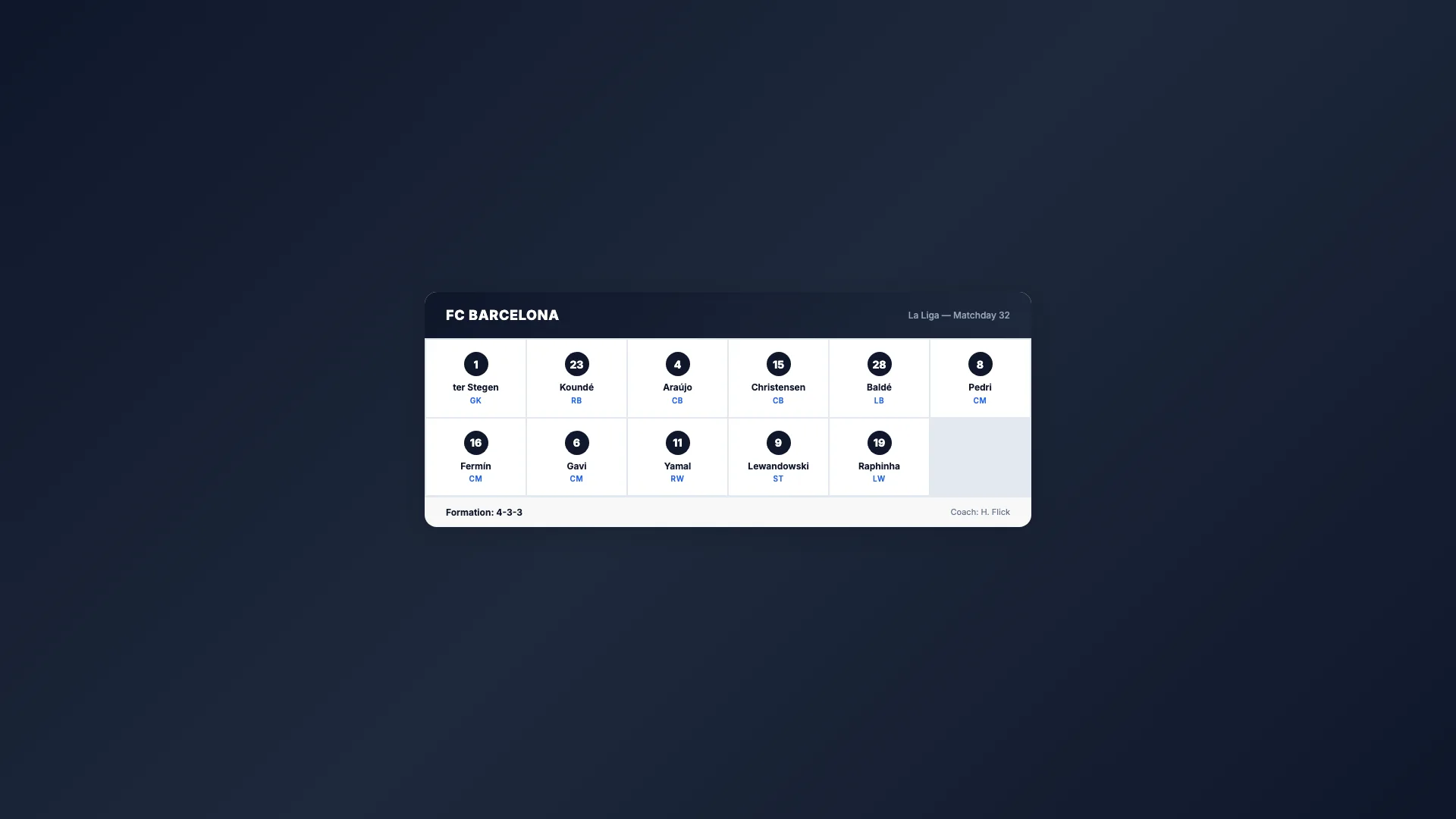
Intermediate20 min
Sport Lineup
Team roster grid

Advanced25 min
Score Bug
Live match scoreboard
Intermediate15 min
Countdown Timer
Self-ticking clock

Intermediate20 min
Weather Forecast
Conditions & 3-day outlook

Beginner10 min
Social Media Card
Post overlay with avatar