Loading...
Advanced25 min
Build a live score bug.
The score bug is the persistent graphic in the corner of every live sports broadcast — showing teams, scores, time, and period. This tutorial covers the full lifecycle including customActions, the OGraf mechanism for triggering one-off visual events like a goal flash without changing the graphic's step.
Score Bug — OGraf Template
1920 x 1080
What's different from other graphics?
customActions
The manifest declares one custom action, goal. The renderer triggers it through customAction to flash the bug without changing its data or its step.
Persistent position
Unlike lower thirds that play in and out, the score bug stays on screen for the entire match. It plays in once, then takes partial updateAction calls for the score, clock and period.
Dark, compact design
A small top-left card on a near-opaque dark background with a blue accent bar. It stays readable over any video: bright pitch, crowd shots, replays.
The customAction: goal flash
When a goal is scored, the renderer calls customAction({ id, payload, skipAnimation }) with id: "goal", one of the ids declared in the manifest's customActions. The graphic adds a goal class for 800 ms, then removes it. Nothing else changes: the score itself arrives separately through updateAction. An id the graphic doesn't know gets a 404, which is how a renderer learns the action is unsupported.
graphic.mjs (customAction)JavaScript
// The renderer passes { id, payload, skipAnimation }, where id is one of the
// customActions declared in the manifest.
async customAction({ id, skipAnimation } = {}) {
  this._initDom();
  if (id === 'goal') {
    // The flash is pure animation, so skipping it leaves nothing to do.
    if (skipAnimation) return { statusCode: 200 };
    this._root.classList.add('goal');
    await sleep(800);
    this._root.classList.remove('goal');
    return { statusCode: 200 };
  }
  return { statusCode: 404, statusMessage: `Unknown custom action: ${id ?? ''}` };
}
Key insight: customAction vs updateAction
updateAction changes the graphic's persistent data (score, time, team names). customAction triggers a transient visual event: it plays an animation, then the graphic returns to its previous visual state. With skipAnimation the flash is pure animation, so there is nothing left to do and it just returns.
Playing in, and playing again
The manifest says stepCount: 1. resolveTargetStep applies the spec's rule: goto if given, otherwise the current step (-1 before the first play) plus delta, which defaults to 1. The first play lands on step 0 and runs the 600 ms entrance. A second play targets step 1, which is past the last step, so the graphic goes to its end: it runs stopAction and returns currentStep: undefined.
graphic.mjs (step model)JavaScript
/**
 * The step a playAction() lands on, exactly as the spec defines it: `goto`
 * wins; otherwise the current step (-1 before the first play) plus `delta`,
 * which defaults to 1. A target at or past stepCount means "go to the end",
 * returned as undefined — so a second play on a one-step graphic takes it off
 * air instead of replaying it.
 */
function resolveTargetStep(currentStep, { goto, delta } = {}, stepCount = 1) {
  const target = Number.isInteger(goto) && goto >= 0
    ? goto
    : (currentStep ?? -1) + (Number.isInteger(delta) ? delta : 1);
  return target >= stepCount ? undefined : Math.max(target, 0);
}

// Each action takes the next revision number. Anything that finishes after a
// newer action has started checks it and backs off, so play → stop → play
// sent without waiting ends on air instead of hidden by the stale stop.
async playAction({ goto, delta, skipAnimation } = {}) {
  this._initDom();
  const target = resolveTargetStep(this._step, { goto, delta });
  if (target === undefined) {
    await this.stopAction({ skipAnimation });
    return { statusCode: 200, currentStep: undefined };
  }
  ++this._rev;
  this._step = target;
  this._root.classList.remove('out');
  if (skipAnimation) {
    this._root.classList.add('instant', 'visible');
    return { statusCode: 200, currentStep: this._step };
  }
  this._root.classList.remove('instant');
  // Force a reflow so the browser registers the starting state.
  void this._root.offsetWidth;
  this._root.classList.add('visible');
  await sleep(600);
  return { statusCode: 200, currentStep: this._step };
}
Every action takes the next this._rev. stopAction only removes the visible class if no newer action started during its 400 ms exit, so play → stop → play sent without waiting ends on air.
The CSS: goal flash effect
The flash is a single keyframe animation on the inner card. It keeps the card's normal drop shadow and grows a blue glow around it, peaking halfway through, then fades back to nothing. Its 0.8 s duration matches the 800 ms the graphic waits before removing the class.
style.css (goal flash)CSS
/* Goal flash animation */
.score-bug.goal .score-bug-inner {
  animation: goalFlash 0.8s ease;
}

@keyframes goalFlash {
  0% { box-shadow: 0 4px 24px rgba(0, 0, 0, 0.3), 0 0 0 0 rgba(37, 99, 235, 0.6); }
  25% { box-shadow: 0 4px 24px rgba(0, 0, 0, 0.3), 0 0 30px 8px rgba(37, 99, 235, 0.5); }
  50% { box-shadow: 0 4px 24px rgba(0, 0, 0, 0.3), 0 0 40px 12px rgba(37, 99, 235, 0.3); }
  100% { box-shadow: 0 4px 24px rgba(0, 0, 0, 0.3), 0 0 0 0 rgba(37, 99, 235, 0); }
}
Highlighting the leader
After every load and update, the team with more goals gets an active class; on a draw neither does. Updates may be partial, so a clock-only update carries no scores: the graphic then falls back to the scores already on screen instead of dropping the highlight.
graphic.mjs (_updateActiveTeam)JavaScript
_updateActiveTeam(data) {
  const homeTeam = this.querySelector('.home');
  const awayTeam = this.querySelector('.away');
  homeTeam.classList.remove('active');
  awayTeam.classList.remove('active');
  // A partial update may carry only one score, or none: fall back to what is
  // on screen so the leader's highlight survives a clock-only update.
  const h = Number(data?.homeScore ?? this._homeScore.textContent);
  const a = Number(data?.awayScore ?? this._awayScore.textContent);
  if (!Number.isNaN(h) && !Number.isNaN(a)) {
    if (h > a) homeTeam.classList.add('active');
    else if (a > h) awayTeam.classList.add('active');
  }
}
style.css (active team)CSS
.score-team.active .score-team-name {
  color: #ffffff;
}

.score-team.active .score-value {
  color: #60a5fa;
}
Design tip
The leader's score turns light blue and its name goes pure white. It's a small cue, common in premium sports broadcasts, that tells viewers who is ahead at a glance without adding anything to the layout. When a score does change, updateAction also gives the number a 350 ms updating pop.
The manifest
Notice the customActions array: that's how OGraf declares graphic-specific operations beyond play, update and stop. The renderer only sends ids listed there, and the graphic answers anything else with a 4xx (this one uses 404).
score-bug.ograf.jsonJSON
{
  "$schema": "https://ograf.ebu.io/v1/specification/json-schemas/graphics/schema.json",
  "id": "dev.ograf.tutorial.score-bug",
  "version": "1.0.0",
  "name": "Score Bug",
  "description": "Persistent on-screen scoreboard with a goal customAction that flashes the bug when a team scores. Tutorial from ograf.dev.",
  "author": {
    "name": "ograf.dev",
    "url": "https://ograf.dev"
  },
  "main": "graphic.mjs",
  "stepCount": 1,
  "supportsRealTime": true,
  "supportsNonRealTime": false,
  "thumbnails": [
    {
      "file": "thumbnail.webp",
      "resolution": {
        "width": 1920,
        "height": 1080
      }
    }
  ],
  "customActions": [
    {
      "id": "goal",
      "name": "Goal",
      "description": "Flash the scoreboard to celebrate a goal.",
      "schema": null
    }
  ],
  "schema": {
    "type": "object",
    "properties": {
      "home": {
        "type": "string",
        "title": "Home Team",
        "gddType": "single-line",
        "default": "BAR"
      },
      "away": {
        "type": "string",
        "title": "Away Team",
        "gddType": "single-line",
        "default": "RMA"
      },
      "homeScore": {
        "type": "integer",
        "title": "Home Score",
        "minimum": 0,
        "default": 2
      },
      "awayScore": {
        "type": "integer",
        "title": "Away Score",
        "minimum": 0,
        "default": 1
      },
      "time": {
        "type": "string",
        "title": "Match Time",
        "gddType": "single-line",
        "default": "67:42"
      },
      "period": {
        "type": "string",
        "title": "Period",
        "gddType": "single-line",
        "default": "2nd Half"
      }
    }
  }
}
Download the full Score Bug package
A real OGraf Graphics Definition v1 package. A compliant renderer reads the manifest and drives the lifecycle. MIT-licensed; drop it into any OGraf-compatible system.
score-bug.ograf.json
Manifest — what a renderer reads (id, schema, lifecycle flags)
graphic.mjs
Web Component with load / play / update / stop / customAction / dispose
style.css
Stylesheet, loaded by graphic.mjs via a <link> tag
thumbnail.webp
1920×1080 preview, declared in the manifest
README.md
Usage notes
LICENSE
MIT
Download score-bug.zipMIT · fonts included · drop on /check to validate
Score bug complete.
Persistent positioning, live updates via updateAction, and transient goal flashes via customAction — the full live sports toolkit.
More tutorials

Beginner15 min
Lower Third
Name & title overlay

Beginner10 min
Bug / LIVE
Corner indicator with pulse

Intermediate20 min
News Ticker
Scrolling headline crawl

Intermediate15 min
Full Page Quote
Cinematic full-screen typography
Intermediate20 min
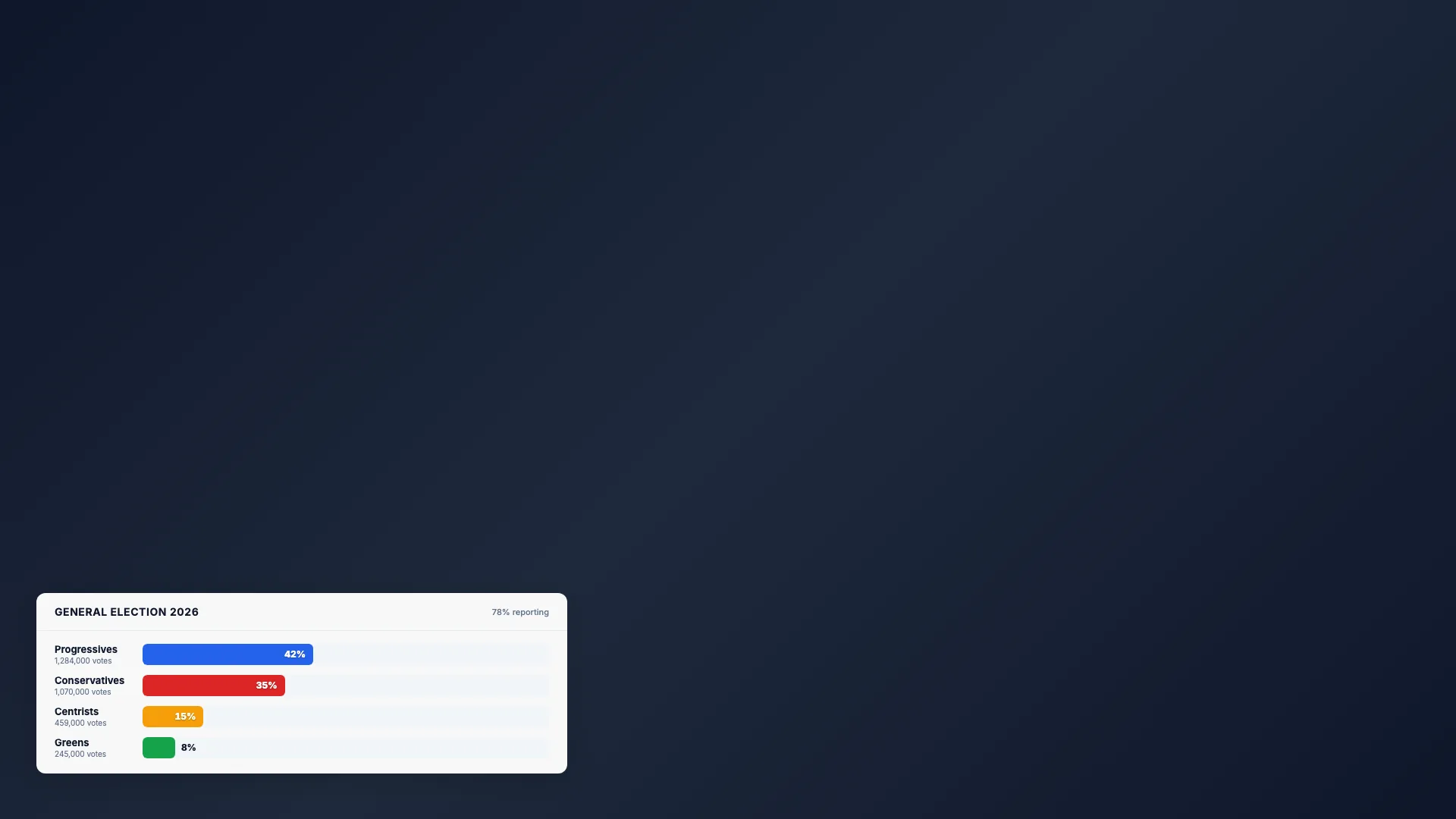
Election Bars
Animated percentage chart
Intermediate20 min
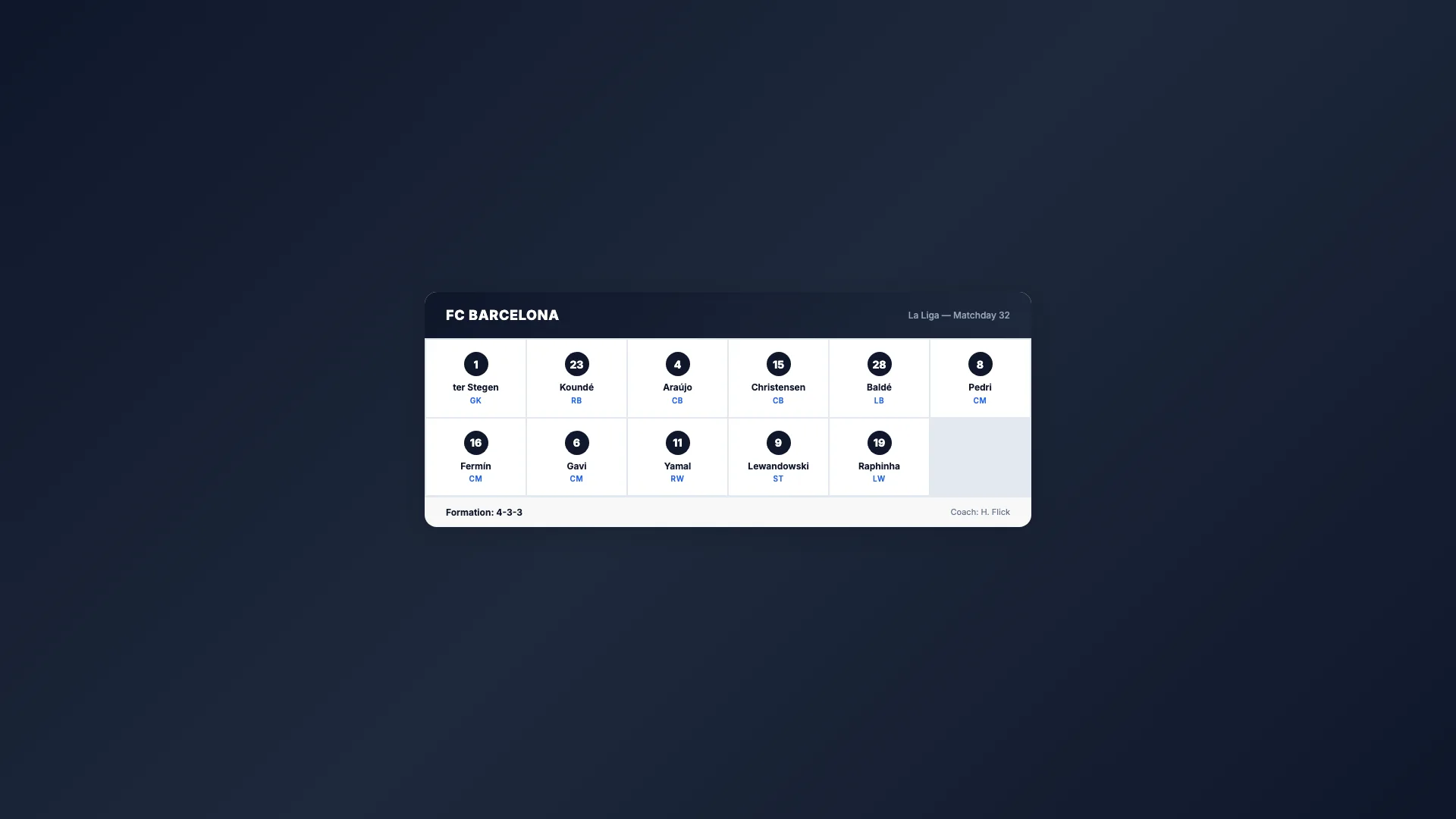
Sport Lineup
Team roster grid
Intermediate15 min
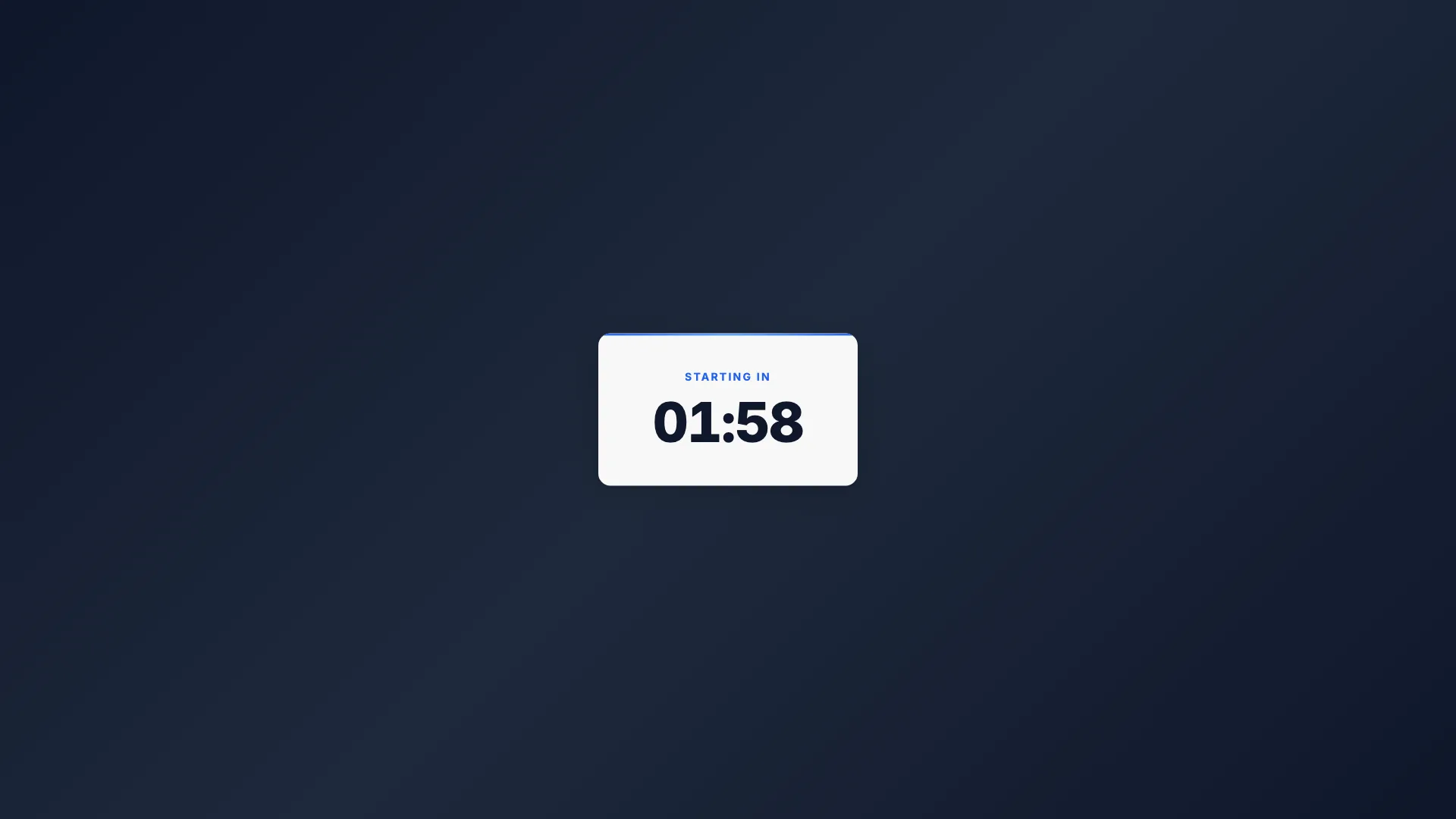
Countdown Timer
Self-ticking clock

Intermediate15 min
Breaking News
Full-screen urgent alert

Intermediate20 min
Weather Forecast
Conditions & 3-day outlook

Beginner10 min
Social Media Card
Post overlay with avatar